




GPS Tracking for Hikers: Stay Safe, Found and Connected on Every Trail
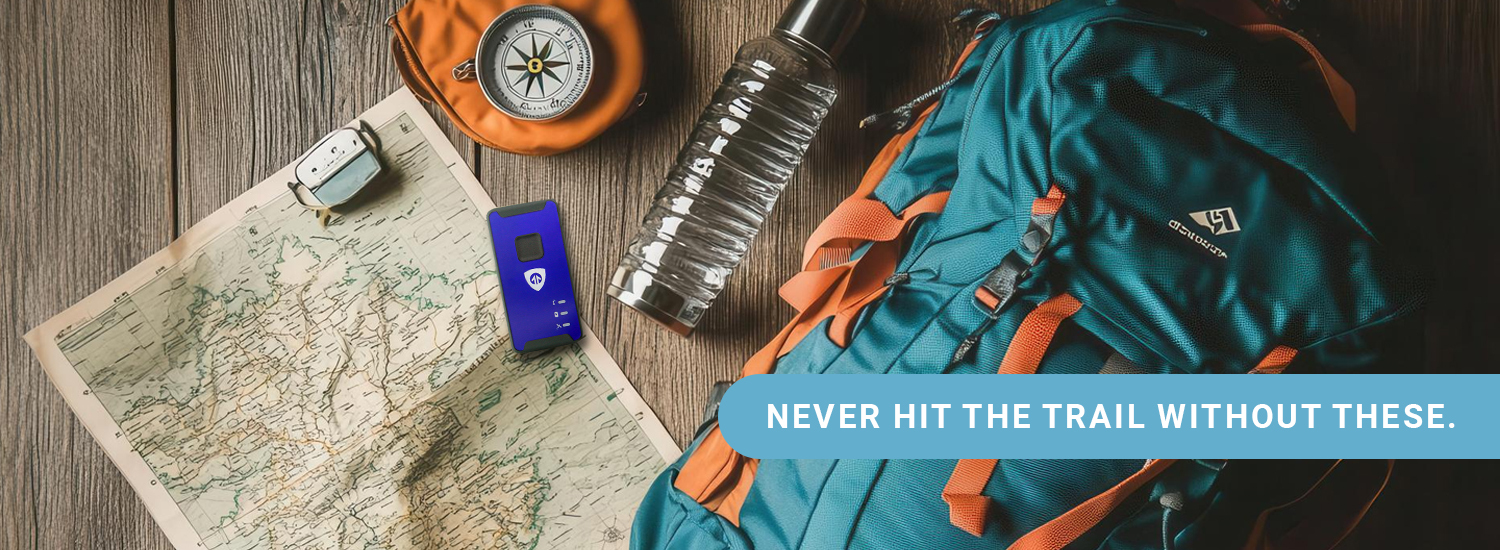
Every year, over 2,000 search-and-rescue missions are launched in U.S. wilderness areas because hikers get lost, injured, or stranded without a way to call for help. Most of those rescues take hours, sometimes days. But when a hiker carries a GPS tracker, rescue teams receive precise coordinates within minutes.
GPS tracking for hikers isn't a luxury anymore. It's one of the most practical tools you can bring on any trail, whether you're doing a 3-mile loop at your local state park or a 14-day thru-hike through the Rockies.
In this guide, you'll learn exactly how GPS tracking works on the trail, what features actually matter, how to choose the right device for your hiking style, and how to get set up before you leave the trailhead. We've tested these devices in real terrain, from the Adirondacks to the Catskills to Colorado, so you know what performs when the stakes are real.
Why GPS Tracking for Hikers Is a Safety Essential
Hiking is one of America's most beloved outdoor adventures, and one of its most underestimated risks. Trails that look manageable on paper can turn dangerous fast. Weather shifts. Paths disappear. Ankles twist on unmarked scrambles.
That's not a reason to stay home. It's a reason to go prepared.
What the Numbers Say
The National Park Service responded to over 3,400 search-and-rescue operations. Many of those rescues were complicated by one simple problem: rescuers didn't know where to look. According to field data from emergency responders, GPS-enabled devices now play a role in more than 80% of successful wilderness rescues, and they reduce response time dramatically when activated correctly.
Smartphones account for a growing share of those rescues. But they fail in the moments that matter most: when the battery dies, when cell towers disappear, and when you're deep in a canyon with no signal.
What Happens Without a Tracker
Without a GPS tracker, your loved ones have no way to know where you are. Search and rescue teams have no starting point. Even when you've shared your planned route, terrain is unpredictable and getting to your last known location takes time no one has in an emergency.
A GPS tracker closes that gap. It keeps your location visible in real time, logs your path with track points, and lets you send an SOS that goes directly to emergency services, no cell service required.
How GPS Tracking Works on the Trail
A GPS device uses a global positioning system, a network of satellites orbiting Earth, to calculate your precise position. Unlike your phone, which relies on cell towers, a GPS unit communicates directly with those satellites. That's why it works in remote areas where your phone shows zero bars.
Here's the basic flow:
- Your GPS device pings multiple satellite signals simultaneously
- The unit calculates your exact coordinates (latitude, longitude, altitude)
- Those coordinates transmit to an app, web portal, or emergency contact
- Your location updates on a map in near real-time
No cell service needed. No Wi-Fi. Just satellite signals, reliable navigation data from space.
Satellite-Based vs. Cellular GPS Trackers
This is the most important distinction for hikers and most articles skim over it.
- Cellular GPS trackers: Use the same LTE networks as your phone to transmit location data. They work great in areas with coverage, think state parks, popular trails near towns, family road trips. They're often more affordable and easier to set up.
- Satellite communicators: Use networks like Iridium to transmit data from anywhere on Earth, including places with zero coverage. Devices like the Garmin inReach and the Garmin inReach Mini are well-known in this category. They're the right choice for backcountry navigation, international trekking, or any route where you're genuinely off the grid.
Neither is universally "better." The right choice depends entirely on where you hike and how remote you go.
What Real-Time Tracking Looks Like in Practice
When your tracker is active, family members or emergency contacts can open a phone app or web link and see your current location on a map, usually updated every 1 to 5 minutes depending on the plan and settings. They can see your trail path, how fast you're moving, and whether you've stopped.
Some devices also support two-way messaging, so you can send a quick "I'm okay" even when your phone has no signal. That single feature gives loved ones enormous peace of mind, especially on long trips or solo hiking adventures.
Types of GPS Devices for Hiking: Which One Fits You?
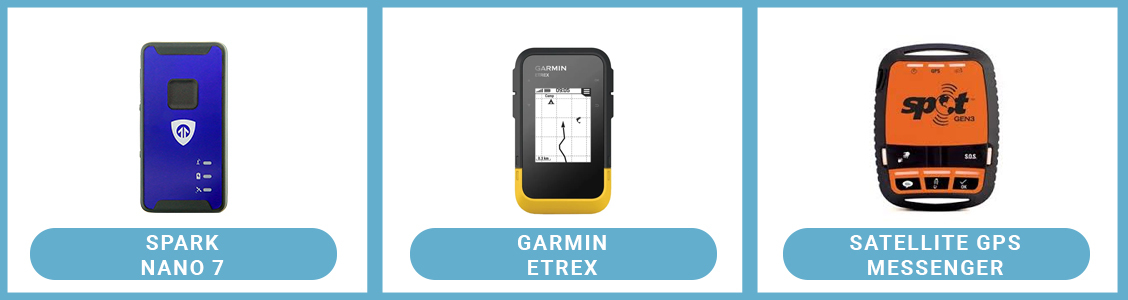
Before diving into features, it helps to understand the different device categories available to hikers today.
The classic choice for serious hikers and backcountry navigators. These dedicated devices are purpose-built for outdoor adventures, rugged, weatherproof, and loaded with advanced features like topo maps, waypoints, and long battery life. They hold a stronger satellite lock under tree cover, in canyons, and at elevation.
A GPS watch sits on your wrist and tracks pace, distance, elevation, and route simultaneously. Garmin units like the Fenix and Forerunner series are popular picks. They're convenient for day hikes where you want data at a glance without pulling a device from your pack. The tradeoff: a smaller screen makes detailed maps harder to read, especially wearing gloves in cold conditions.
A satellite communicator like the Garmin inReach or Garmin inReach Mini goes beyond navigation. It combines GPS tracking with two-way messaging and SOS alerts via satellite. Even in the most remote areas, you can send messages, share your location, and call for help. The inReach Mini pairs with your smartphone via Bluetooth, using the Garmin Explore app for full map functionality and trip data.
Apps like Gaia GPS, AllTrails, and Google Maps have become genuinely capable navigation tools, especially with offline maps downloaded in advance. But smartphones have real limitations in the backcountry: battery life drains 3-5x faster running GPS continuously, screens become difficult to read in bright sun, and a wet, cold, or dropped phone is a liability on a serious trail. A phone app is a great complement to a dedicated GPS device. It's not a substitute.
Top Features to Look for in a Hiking GPS Tracker
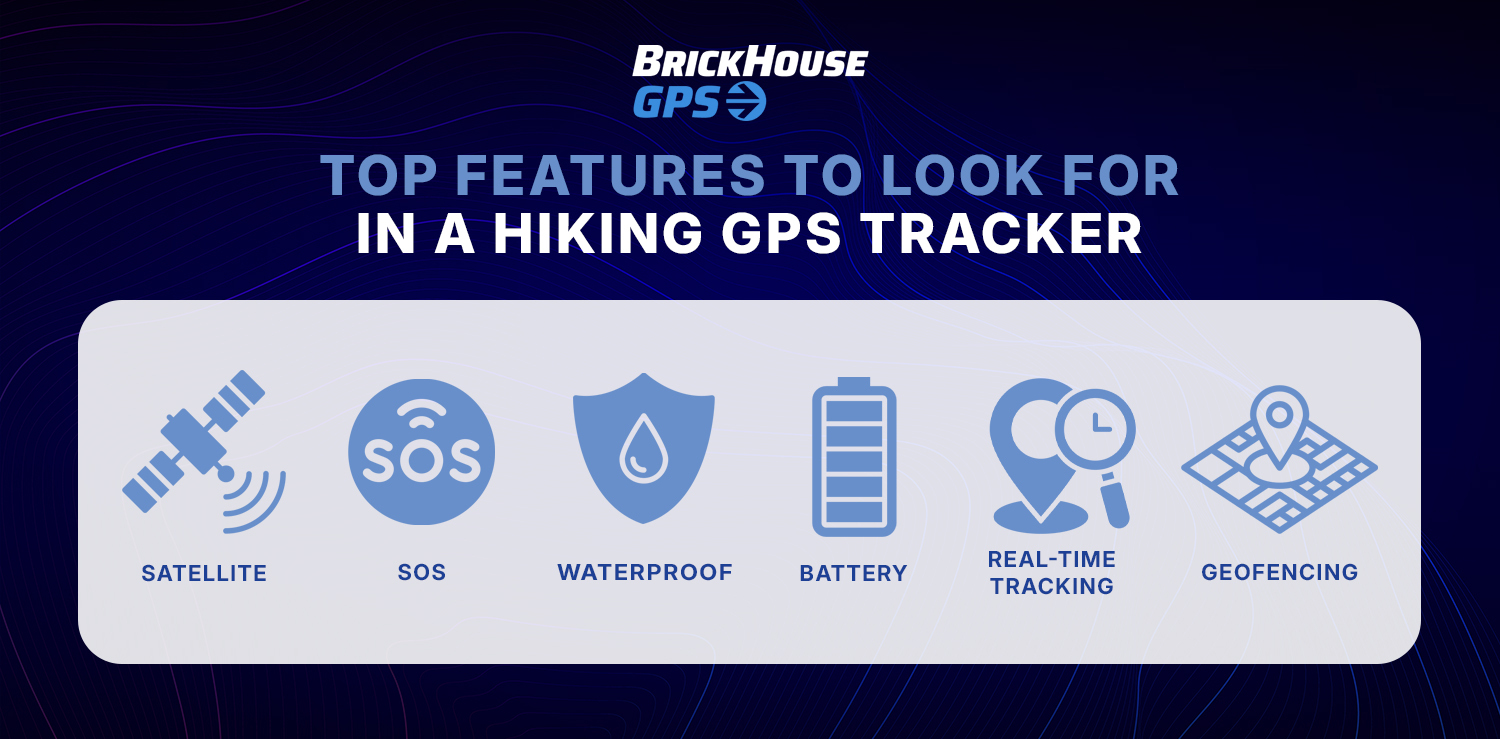
Not all GPS devices are built equally. Here are the seven features that separate a genuinely useful hiking GPS tracker from a device that'll let you down when it counts.
1. SOS Alerts
This is non-negotiable. A dedicated SOS button sends your exact GPS coordinates to emergency services bypassing cell networks entirely. On satellite communicators, that signal reaches a 24/7 monitoring center. On cellular devices, it notifies pre-set contacts with your precise location.
One button press can save your life. It's the feature you hope you never use, and the one you'll be grateful for if you do.
2. Real-Time Tracking and Location Sharing
Your family shouldn't have to wonder where you are. Real-time tracking lets a partner, parent, or friend follow your progress from home, watching your breadcrumb trail build across the map as you hike.
This is especially valuable for solo hiking. If you stop moving unexpectedly, your emergency contact knows something may be wrong before you even have a chance to reach out.
3. Satellite Connectivity
For any hike that ventures beyond reliable cell range, satellite signals are essential. Look for devices that use multiple satellite systems, GPS, GLONASS, Galileo, for better signal accuracy under tree cover, in canyons, or at high altitude.
Dense forests and deep valleys can block reception. The more systems your device draws from, the more consistently it holds a lock on your position.
4. Long Battery Life
On a day hike, 2-3 days of battery is sufficient. For multi-day or thru-hikes, you want 7-14 days minimum. Some devices, especially those running on AA batteries, offer even longer endurance with optimized tracking intervals.
One thing most product specs don't mention: cold temperatures drain batteries significantly faster. Always add a 50% buffer to your calculated trip length when planning battery needs.
5. Waterproof and Rugged Build
Trails don't care about your gear. Rain, stream crossings, mud, and drops are all part of the experience. Look for IP67 rating minimum, that means the device survives submersion in 1 meter of water for up to 30 minutes.
IP68 is better for serious backcountry use. Also check the operating temperature range if you're hiking at elevation or in shoulder season, some devices underperform below freezing.
6. Geofencing Alerts
Geofencing alerts let you create virtual boundaries around specific areas, such as a trailhead, campsite, or hiking route. If the tracker enters or leaves that designated area, you receive an instant notification. This feature helps family members monitor your progress and adds an extra layer of safety during solo or remote hikes.
7. Waypoints and Track Points
Waypoints let you mark key locations, a trailhead, a water source, a campsite, an emergency exit, and navigate back to them reliably. Track points log your path as you hike, creating a breadcrumb trail you can retrace or export as a GPX file for post-trip analysis.
This trip data is useful beyond safety. Many hikers review their routes in Garmin Connect or Gaia GPS after a hike to analyze pace, elevation gain, and distance for future trip planning.
Cellular vs. Satellite GPS Trackers: Side-by-Side Comparison
| Feature | Cellular GPS Tracker | Satellite Communicator |
|---|---|---|
| Coverage | Requires cell service | Works anywhere on Earth |
| Best For | Day hikes, state parks, family trips | Backcountry, international, remote areas |
| SOS Alerts | To pre-set contacts | To 24/7 emergency center |
| Real-Time Tracking | Yes | Yes |
| Two-Way Messaging | Limited | Full capability |
| Battery Life | 2-5 days | 7-30+ days |
| Topo Maps | Via phone app | Built-in or via app |
| Monthly Plan | $9.95-$19.95/mo | $14.95-$49.99/mo |
| Device Cost | $30-$150 | $150-$450+ |
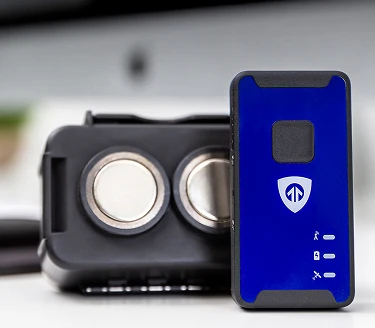
| Best BrickHouse Pick | Spark Nano 7 | Satellite GPS Tracker |
BrickHouse GPS Trackers for Hikers
We test every device we recommend in real-world conditions, not just spec sheets.

GPS Tracker Buying Guide by Hiker Type
You're on popular, well-marked trails for under 8 hours with likely cell coverage. Your main needs are location sharing with family and a safety backup if something unexpected happens.
You're the only one who knows where you are. That's exactly the situation where a GPS tracker moves from "nice to have" to genuinely essential. Real-time tracking means someone at home sees your breadcrumb trail the entire hike and notices if you stop unexpectedly.
You're covering 15-25 miles a day for days or weeks, often through remote areas with no cell service. Long battery life and satellite communication are your top requirements. Two-way messaging matters too, regular check-ins keep everyone calm back home.
You want to know where everyone is without asking for constant check-ins. Geofencing makes this automatic, set boundaries around campsites or trailheads and get notified when anyone crosses them.
How to Set Up GPS Tracking Before Your Hike (Step-by-Step)
Most guides skip this. Here's exactly how to be ready before you leave the trailhead.
- Charge your device fully: Don't start a hike at 60%. Charge overnight.
- Download your tracking app: Once downloaded, test the live location view from a family member's phone before you leave.
- Set up emergency contacts: Add at least two people who will receive SOS alerts and location access.
- Create a geofence: Around your trailhead or campsite so contacts get automatic arrival and departure notifications.
- Share your tracking link: Do this via text or email before you go.
- Run a signal test: Power on the device at home and confirm your contacts can see your location updating.
- Pack a backup power source: A small solar charger or power bank adds significant runtime on longer trips.
- Set a check-in schedule: Decide on specific times ("noon and 6pm daily") so your emergency contacts know what to expect.
Real-World Use Case
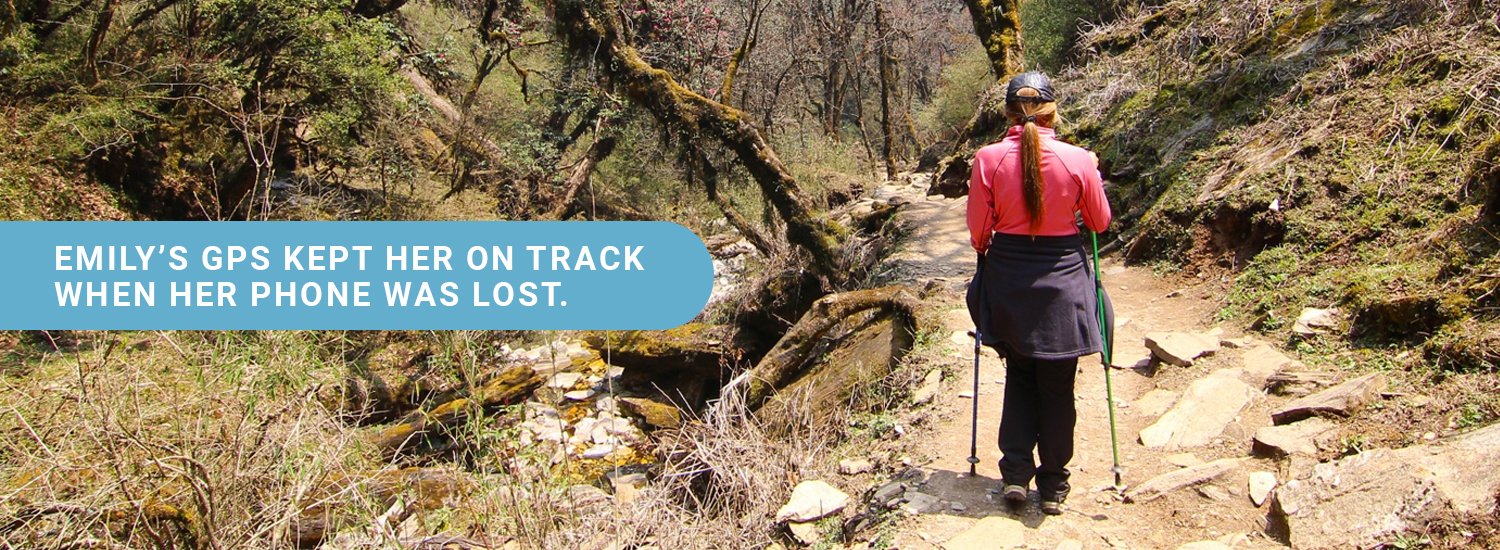
Emily, a 34-year-old solo hiker from Virginia, used a BrickHouse GPS tracker during her Appalachian Trail section hike through Shenandoah National Park. Her parents, based in Ohio, tracked her breadcrumb trail every evening.
On day four, she lost her smartphone crossing a creek in a backcountry section. No maps. No way to call out. But her GPS tracker was still clipped to her shoulder strap, transmitting, logging her position every two minutes.
Her parents watched her location continue moving steadily south on the map and knew she was okay. When she reached the next road crossing, a ranger gave her a ride to the nearest town.
This is exactly what real-time location sharing was built for.
Conclusion
GPS tracking for hikers has become one of the most practical pieces of gear you can carry, lightweight, easy to use, and genuinely life-saving when conditions turn on the trail. Whether you're heading out for a weekend in the Catskills or planning a month-long backcountry route in the Cascades, the right GPS device keeps you visible, connected, and confident, and gives the people who care about you the peace of mind they deserve.
At BrickHouse Security we've tested these devices in real terrain because we know the difference between a GPS unit that looks good on a spec sheet and one that performs when it counts. Every tracker we recommend has earned its place.
FAQ
What is the best GPS tracker for hikers?
Do GPS trackers work without cell service in the mountains?
How do I share my hiking location with family in real time?
Are GPS trackers waterproof enough for the trail?
Can GPS tracking help during a hiking emergency?
Ready to hike safer? Explore GPS trackers for every trail type at brickhousesecurity.com.
Posted by Todd Morris on Jun 2nd 2026