




Best Dash Cam for Car: Protect Yourself on the Road (2026 Guide)
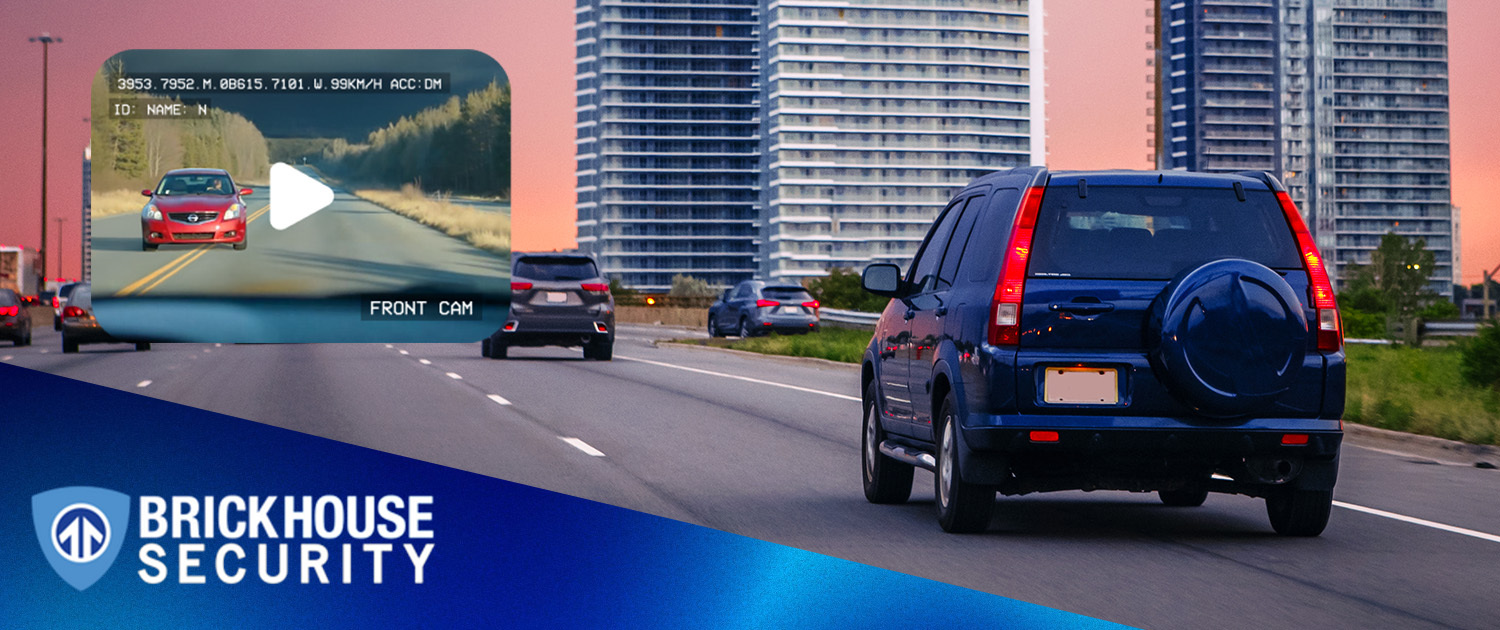
Something unexpected happened while you were commuting last Tuesday. A driver drifted into your lane. Or someone tapped your bumper in a parking lot and drove off. Or your teen came home 20 minutes late with a story that didn't quite add up.
A dash cam for your car doesn't stop these moments from happening. But it does make sure you have the full picture when they do, clear video evidence that protects you from false claims, inflated insurance costs, and situations where it's your word against someone else's.
This guide covers the best dash cams of 2026, what features actually matter, how to install one in under 10 minutes, and how to choose the right dash cam for your driving life.
What Is a Dash Cam and How Does It Work?
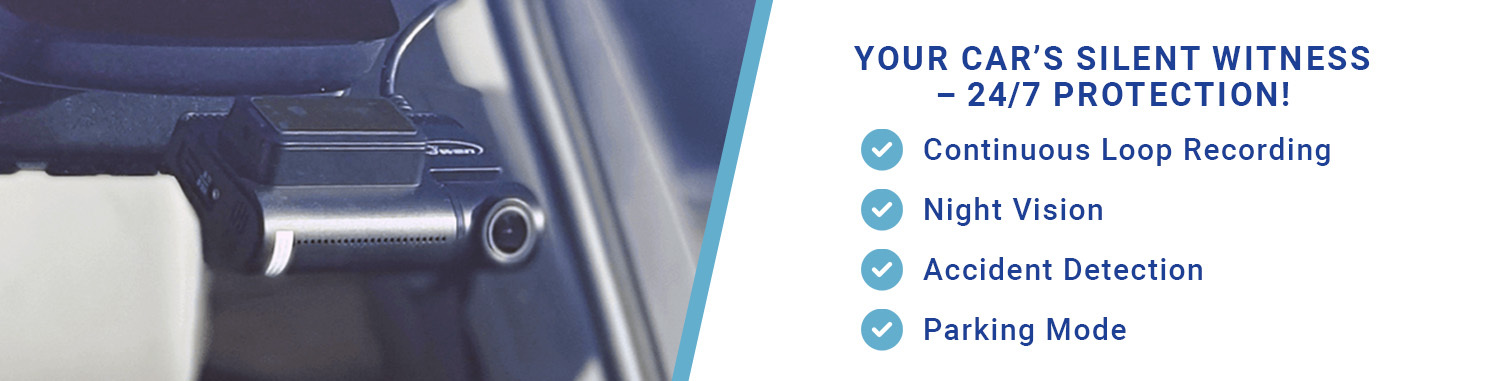
A dash cam is a compact video camera that mounts to your windshield or rearview side and continuously records everything in front of your vehicle while you drive.
The moment you turn your ignition on, the camera powers up and starts recording to a microSD card automatically. It works in a continuous loop, overwriting the oldest footage first when the card fills up, so you always have the most recent hours saved without touching anything. Turn the car off, and the camera shuts down with it. On hardwired models, it stays active in parking mode to monitor for motion or impacts while parked.
Footage saves locally to the SD card. Cloud-enabled models upload clips to a secure server automatically, so you can review or share them from your phone, even if the camera is removed.
The best dash cams also include:
- Built-in GPS: Logs vehicle speed and location with every clip, similar to the precision you'd expect from a dedicated GPS tracker for your car.
- G-sensor: Detects collisions and locks that footage so it's never overwritten.
- Parking mode: Records motion and impacts while your car is off.
- Cloud storage: Remote access to footage via smartphone app.
- Night vision: Sony STARVIS 2 sensors capture clear footage in low light and night driving conditions.
Why You Need a Dash Cam for Your Car
Dash cams aren't just cool tech. They're one of the smartest, most affordable investments you can make for your peace of mind on the road. Here's why more drivers are installing them than ever before.
Protect Against Fraudulent Insurance Claims
Insurance fraud is a real and growing problem for everyday drivers. Scammers deliberately cause crashes, brake suddenly in traffic, or file false reports to collect payouts and they tend to target cautious, law-abiding drivers who are least likely to push back.
A dash cam is your unbiased eyewitness. It captures every second of an incident from the moment of impact to the aftermath so you're never left relying on memory or hoping a witness sticks around.
Without footage, it's your word against theirs. With it, your insurer has GPS-stamped location data and HD video that shows exactly what happened and who was at fault. That's the difference between a claim ruled in your favor and a premium hike you didn't deserve.
Capture Unexpected Accidents Exactly as They Happened
Accidents happen in seconds. A deer darts across the road. A distracted driver merges without checking mirrors. Someone runs a red light at an intersection you cross every day. In those moments, everything moves too fast for memory to keep up accurately.
That's exactly why a dash cam matters. It records continuously in real time, capturing every frame of what happened, from the seconds before impact to the aftermath. No gaps. No guesswork. No relying on what you think you saw.
When a collision occurs, the G-sensor automatically saves and locks that footage so it's never overwritten by loop recording. What you get is a precise, timestamped record of the incident and angle, speed, exact sequence of events, ready to share with your insurer or use in a dispute.
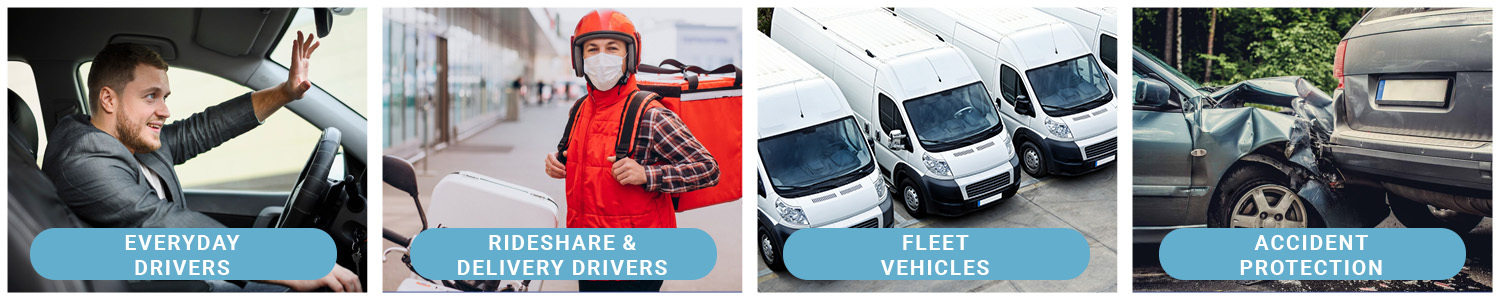
Improve Driver Accountability for Teens, Fleets, and Rideshare
A dash cam does more than protect you from other drivers. It helps you understand how your vehicle is being used.
- Parents: Review footage to identify hard braking, speeding, or unsafe lane changes and coach your teen toward safer habits before something goes wrong.
- Fleet managers: Track driving behavior across multiple vehicles, reduce liability in incidents, and integrate with GPS tracking for a full picture of vehicle activity and route history.
- Rideshare drivers: An interior camera provides evidence of passenger behavior, which is critical in the event of false complaints or disputes filed through the app, this is exactly what BrickHouse's Dual-View Dash Cam is built for.
Peace of Mind When You're Not in the Car
Parking mode lets your dash cam record while your car is off, detecting motion or physical impacts. Combined with cloud storage and a smartphone app, you can check in on your parked car from anywhere.
It's how drivers catch hit-and-runs in grocery store parking lots, document vandalism on street parking, and verify that their car hasn't been touched during a long trip.
With parking mode enabled, your dash cam works much like a surveillance system, recording motion and impacts while your vehicle is parked.
Key Features to Look for in a Dash Cam for Car
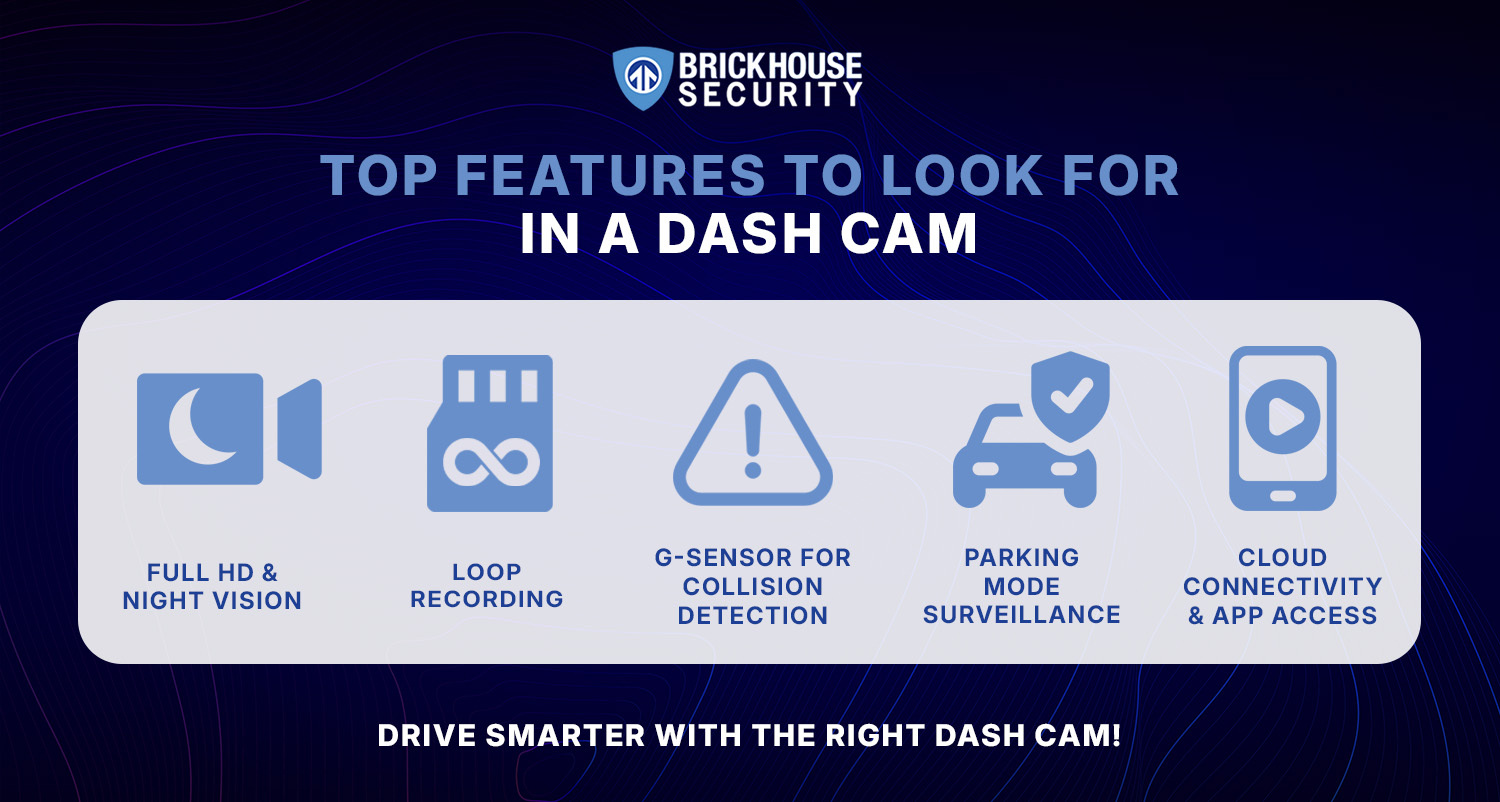
Choosing the right dash cam isn't just about price. The features that matter most depend on how and where you drive. Here's what to prioritize and why each one earns its place in a quality dash cam.
Video Quality: Resolution and Frame Rate
At the heart of every good dash cam is clear, reliable footage. High-definition video is what makes a dash cam useful in the real world, especially for capturing license plates at a distance or reading road signs after an incident.
- Minimum: 1080p Full HD
- Recommended: 2K or 4K Ultra HD for sharper images and better license plate readability
- Frame rate: 30-60 FPS for smooth, usable playback
Higher resolution also means better performance in low light, a detail that matters more than most buyers realize until they need footage from a night incident.
Night Vision and Low Light Performance
Most accidents don't happen at noon on a sunny day. Night driving, underground garages, and dawn commutes are all high-risk scenarios where image quality matters most.
Look for dash cams with infrared (IR) sensors or Sony STARVIS 2 image sensors. These sensors dramatically improve low light performance by capturing more light at the pixel level, producing footage that's actually usable in dim conditions, unlike most cheap dash cam alternatives.
Built-in GPS: Speed and Location Data
Built-in GPS adds location coordinates and vehicle speed data to every video clip. This is critical when proving your case during an insurance claim or traffic dispute.
- Speed data: Shows your actual speed at the moment of an incident, verifiable proof you weren't exceeding the limit.
- Location data: Confirms where you were at a specific time, which can validate or dispute a false report.
Loop Recording
Loop recording is how dash cams manage storage without you having to delete old footage manually. The camera continuously records and overwrites the oldest files when the SD card fills up.
The key is what happens to footage you actually need. Good dash cams pair loop recording with G-sensor protection, which automatically locks and saves collision or impact footage so it's never overwritten. This combination gives you unlimited recording time with smart protection for critical moments.
G-Sensor and Parking Mode
A G-sensor detects sudden changes in force, hard braking, a collision, or someone bumping your parked car and triggers the camera to record and save that footage automatically.
Parking mode extends this protection when your car is off. Instead of needing to be driving, the camera wakes up when it detects motion or impact. This is how drivers catch hit-and-runs and vandalism that happen while they're inside a building.
For parking mode to work without draining your car battery, most dash cams require either a hardwire kit (connects to the fuse box with low-voltage protection) or an external battery pack.
Cloud or SD Card Storage
- SD card storage: Reliable, local backup with no ongoing subscription. Most dash cams support SD cards up to 256GB or 512GB. Use a high-endurance microSD card designed for dash cams to avoid data corruption over time.
- Cloud storage: Footage is automatically uploaded when your car connects to Wi-Fi. Accessible remotely via a smartphone app even if your car is stolen or the SD card is removed. Some cameras require a cellular connectivity module for always-on cloud access.
Best setup: A camera that supports both SD card and cloud storage gives you the most flexibility. Local backup for daily footage, cloud access for the clips you actually need.
Bonus Features Worth Considering
- Wi-Fi and Bluetooth connectivity: Makes it easier to view and transfer footage to your smartphone without removing the SD card.
- Voice commands: Hands-free operation while driving especially useful on cameras like the Nextbase 622GW with Alexa integration.
- Interior cameras: Essential for rideshare drivers and parents monitoring teen drivers.
- Supercapacitors: More heat- and cold-resistant than traditional lithium-ion batteries critical for delivery drivers and drivers in hot climates.
- Lane departure warnings: Some premium cameras include ADAS features that alert you to drifting, forward collision risk, and speed limit breaches.
Top 5 Best Dash Cams for Cars in 2026 (Real-World Tested)
We evaluated dozens of models across resolution, low light performance, dynamic range, installation ease, and real-world testing feedback. These five represent the best across different needs and price points.

BrickHouse Viztrack Dash Cam
BrickHouse Viztrack offers professional-grade protection with 4K Ultra HD recording, built-in GPS, and AI-powered motion detection. It automatically locks collision footage via its G-sensor and provides parking mode monitoring through hardwire or battery backup. Easy to install behind the rearview mirror in under 5 minutes, it syncs footage via Wi-Fi and supports cloud backup with an optional LTE module. Storage includes a 256GB SD card plus secure cloud backup, making it ideal for everyday drivers, parents, rideshare drivers, and small fleets.
- Resolution: 4K Ultra HD
- GPS: Yes, speed and location stamped on every clip
- G-sensor: Auto-locks collision footage
- Parking mode: Yes, hardwire or battery backup
- Storage: SD card up to 256GB + cloud
- Connectivity: Wi-Fi + optional LTE module
- Setup: Plug-and-play, under 5 minutes
- Best for: Everyday drivers, parents, rideshare drivers, and small fleet owners
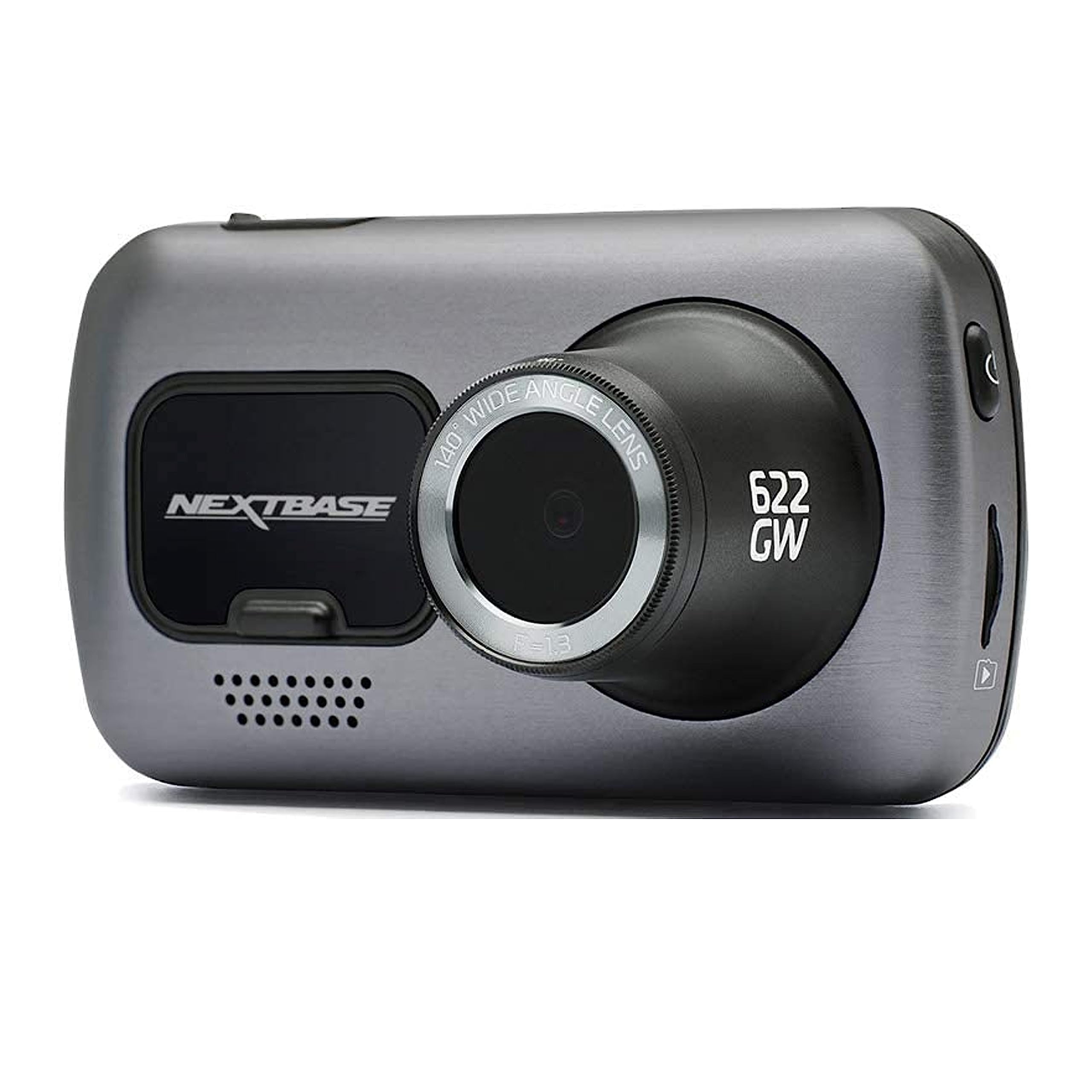
Nextbase 622GW Dash Cam
Nextbase 622GW is a premium camera built around smart features. It records in 4K Ultra HD with enhanced night vision, image stabilization, and built-in Alexa voice control so you never have to take your hands off the wheel. Its standout feature is Emergency SOS if a serious crash is detected, it automatically alerts first responders and shares your GPS location. Ideal for long-haul drivers and frequent travelers.
- Resolution: 4K Ultra HD + enhanced night vision
- Storage: SD card up to 128GB + Wi-Fi transfer
- Best for: Tech-savvy drivers and long-distance commuters
Vantrue N4 3-Channel Dash Cam
The Vantrue N4 covers every angle front in 4K, rear and interior both in 1080p. The interior infrared camera captures clear footage inside the cabin even in complete darkness, which is critical for night shifts. Parking mode with motion detection protects your vehicle between rides. For Uber, Lyft, and delivery drivers, three-channel coverage means every incident is documented inside and out.
- Resolution: 4K front + dual 1080p rear and interior
- Storage: SD card up to 256GB
- Best for: Rideshare and delivery drivers
Garmin Dash Cam Mini 2
The Garmin Mini 2 is smaller than a car key and nearly invisible behind the rearview mirror. It records in 1080p Full HD with voice control and automatic cloud upload to Garmin Vault via Wi-Fi. It lacks built-in GPS and 4K video, but for drivers who want a discreet, reliable camera that stays out of the way, nothing beats its compact design.
- Resolution: 1080p Full HD
- Storage: microSD up to 512GB + Garmin Vault cloud
- Best for: Minimalist and low-profile installs

Rove R2-4K Dash Cam
The Rove R2-4K delivers 4K Ultra HD video and built-in GPS at an entry-level price. Its supercapacitor design handles extreme heat far better than lithium-ion batteries, making it the smart choice for drivers in hot climates where most budget cameras fail within a season. Wi-Fi app transfer keeps footage accessible without removing the SD card.
- Resolution: 4K Ultra HD
- Storage: SD card up to 512GB
- Best for: Budget-conscious drivers and hot climate regions
Dash Cam Comparison Table
| Dash Cam | Resolution | Key Features | Best For | Price Range |
|---|---|---|---|---|
| BrickHouse Viztrack (Editor's Choice) | 4K Ultra HD | GPS, AI alerts, cloud + SD, easy install, loop recording | Everyday drivers, fleet, parents | Custom Pricing |
| Nextbase 622GW | 4K UHD + Night Vision | Alexa voice control, Emergency SOS, image stabilization | Tech-savvy & long-haul drivers | ~$320-$400 |
| Vantrue N4 3-Channel | 4K front + dual 1080p | Triple-lens, infrared cabin view, parking mode | Rideshare & delivery drivers | ~$180-$320 |
| Garmin Dash Cam Mini 2 | 1080p Full HD | Ultra-compact, voice control, cloud via Garmin Vault | Minimalist & discreet drivers | ~$130-$160 |
| Rove R2-4K | 4K Ultra HD | Built-in GPS, Wi-Fi app, supercapacitor, heat-resistant | Budget-conscious drivers, hot climates | ~$100-$150 |
How to Install a Dash Cam: Step-by-Step Guide
Most modern dash cams are designed for DIY installation. No tools required, no professional installer needed. Here's how to get yours up and running in under 10 minutes.
Step 1: Mount Behind the Rearview Mirror
This placement gives you the widest front-facing view without obstructing your line of sight. Use the included suction cup or adhesive mount and center the camera for optimal lane coverage.
Step 2: Connect Power via 12V Outlet
Plug the power cable into your car's 12V outlet (cigarette lighter port). In most vehicles, this port switches off with the ignition, meaning the dash cam powers off when you park and back on when you start the car.
No battery drain, no manual switching.
Step 3: Tuck the Wiring
Route the cable along the headliner and down the A-pillar to the dashboard. Use adhesive cable clips or a plastic trim tool to tuck wires neatly out of view. Clean cabling looks better and avoids distraction.
Step 4: Insert and Format the SD Card
Insert a Class 10 microSD card (recommended: 64GB minimum, 128GB or 256GB for 4K cameras). Format it in the camera before first use for optimal compatibility.
Use a high-endurance SD card built for constant loop recording, standard consumer cards wear out faster under dash cam workloads.
Step 5: Adjust the Lens Angle
Power on the camera and adjust the lens so it captures the full road ahead, including the horizon line. Many dash cams offer a live preview via their smartphone app, so you can fine-tune the camera's field of view so it captures the road clearly.
Want a Cleaner Setup? Consider Hardwiring
If you want parking mode to work reliably or prefer a cleaner installation without cables visible from the 12V port, consider hardwiring your dash cam directly to your vehicle's fuse box.
- Always-on recording: Camera stays active and ready without depending on the 12V outlet.
- Parking surveillance: Records motion and impacts while parked, with low-voltage cut-off to protect your car battery.
- Cleaner interior: No dangling cables.
Most manufacturers, including BrickHouse Security, offer hardwire kits with built-in low-voltage protection. A professional installer can hardwire your dash cam in under an hour.
How to Choose the Right Dash Cam for Your Car
Not every driver needs the same features. Here's how to match your needs to the right camera.
For Daily Commuters
Prioritize ease of use, 4K video quality, and built-in GPS. You want a camera that works automatically and stays out of the way. The BrickHouse Viztrack is the right dash cam for this use case, plug-and-play setup, reliable loop recording, and solid video evidence when you need it.
For Parents of Teen Drivers
Look for a camera with cloud storage and a smartphone app, so you can review footage remotely. GPS-based speed logging adds an extra layer of accountability.
A dual dash cam with front and rear channels is ideal if your teen borrows the family car frequently.
For Rideshare and Delivery Drivers
A triple-channel dash cam is worth the investment. front camera, rear camera, and interior camera give you complete coverage for both road incidents and passenger disputes. The Vantrue N4 is built specifically for this use case, with infrared night vision inside the cabin for night shifts.
For Drivers Who Park on the Street
Prioritize parking mode and hardwiring. Without a hardwired connection or external battery pack, most dash cams can't record while parked.
A camera with G-sensor motion detection and buffered parking mode captures footage from before and after an incident not just during it.
For Drivers in Hot Climates
If you live where summers get very hot, choose a dash cam with a supercapacitor. It handles heat much better than a standard battery. The Rove R2-4K and BrickHouse Viztrack are both built for these conditions.
Conclusion
After testing dozens of different dash cams, one thing is clear, the best dash cam for your car is the one that works automatically, captures fine details, and gives you solid video evidence when you need it most.
If you're looking for a great dash cam for everyday driving, the BrickHouse Viztrack is our top recommendation. Excellent video quality, built-in GPS, compact body, and plug-and-play setup make it the easiest choice for everyday protection.
For an affordable dash cam that still delivers 4K, the Rove R2-4K is one of the top dash cams for budget-conscious drivers. And for rideshare drivers, the Vantrue N4 Pro covers front, rear, and interior, more completely than most other dash cams available.
With staged accidents up 23% from 2023 to 2024, a dashboard camera is one of the smartest safety features you can add to your own car.
Ready to stop relying on memory and start relying on proof?
Shop the BrickHouse Viztrack Dash CamFrequently Asked Questions
Get Protected in Under Five Minutes
Shop BrickHouse Dash CamsPosted by Todd Morris on Feb 9th 2026