



Support: FleetLive AI App User Guide
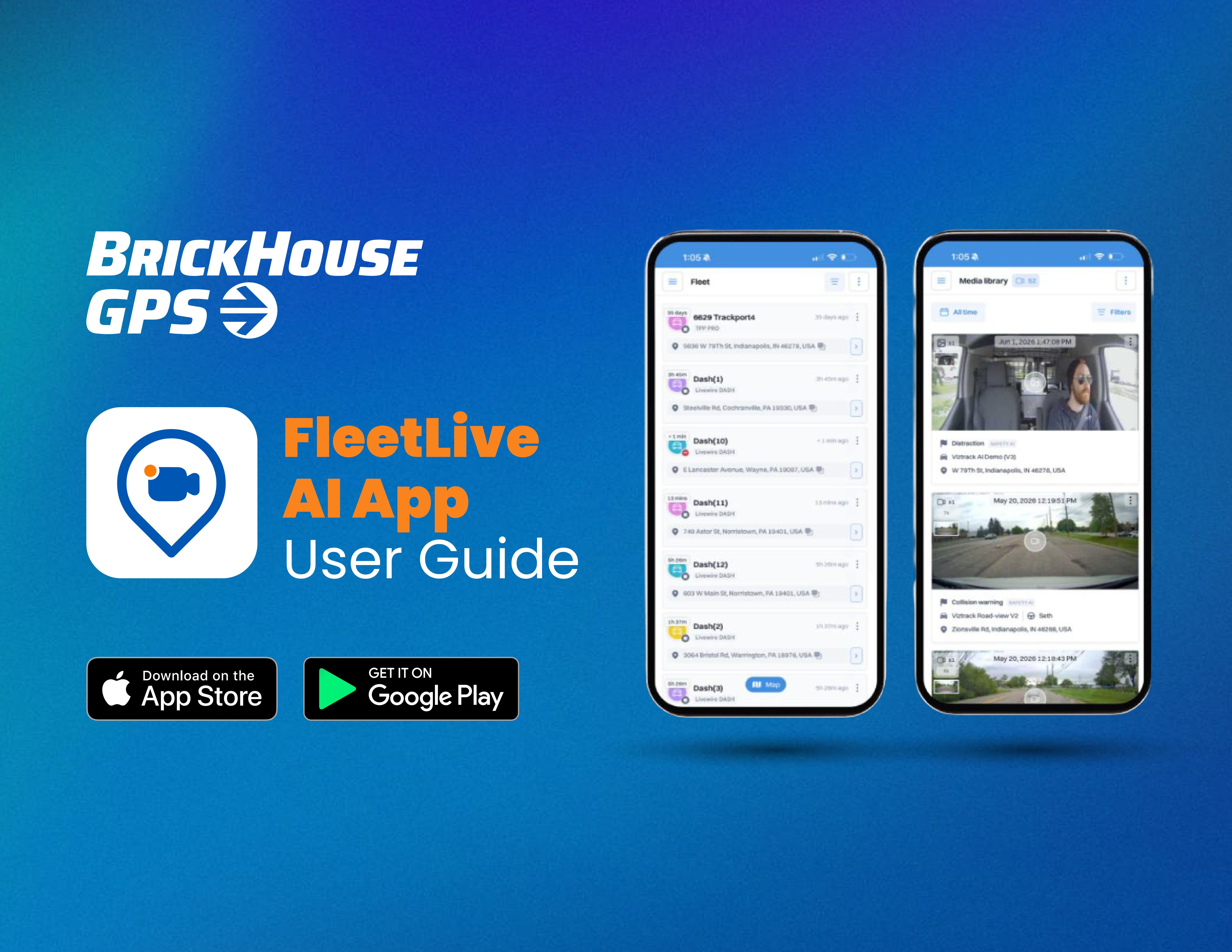
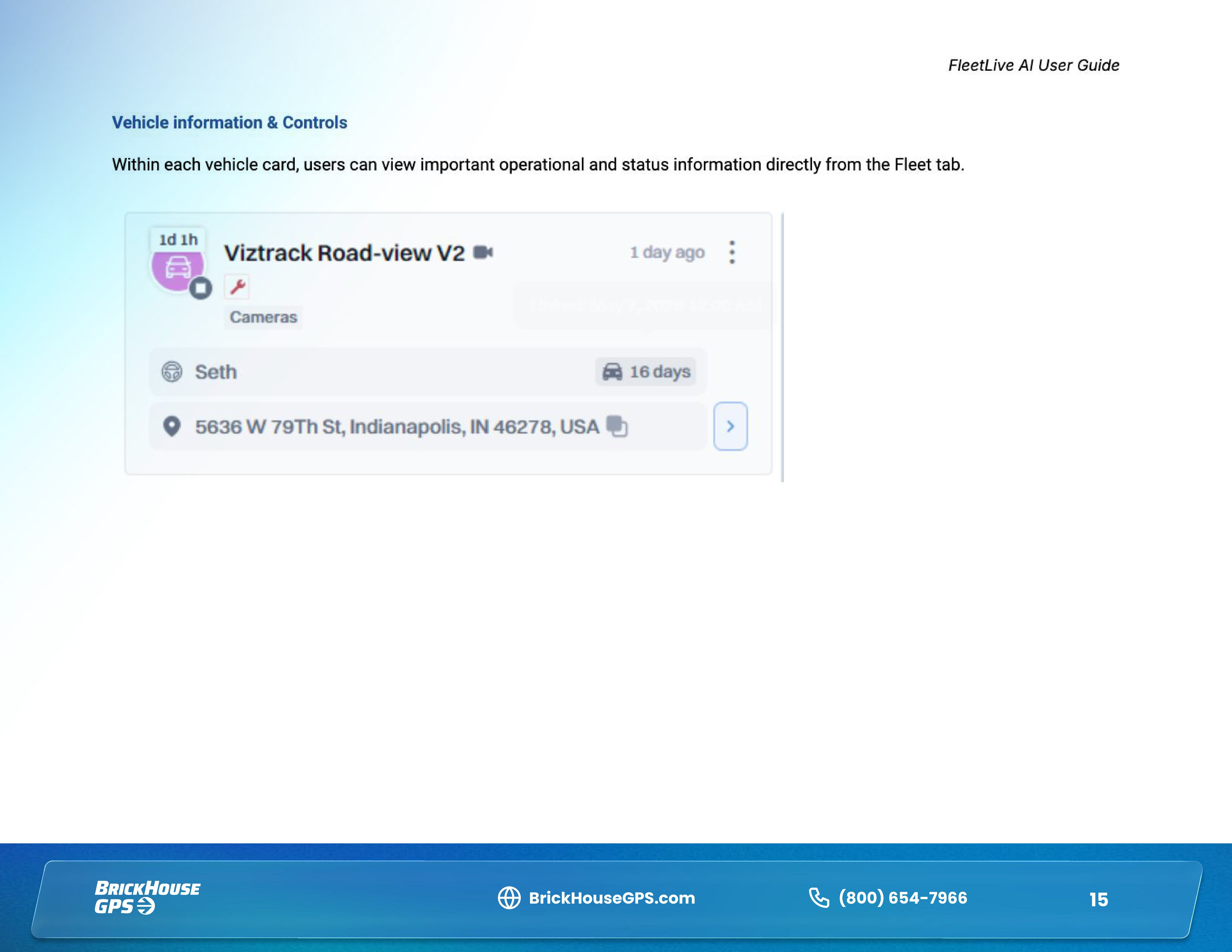
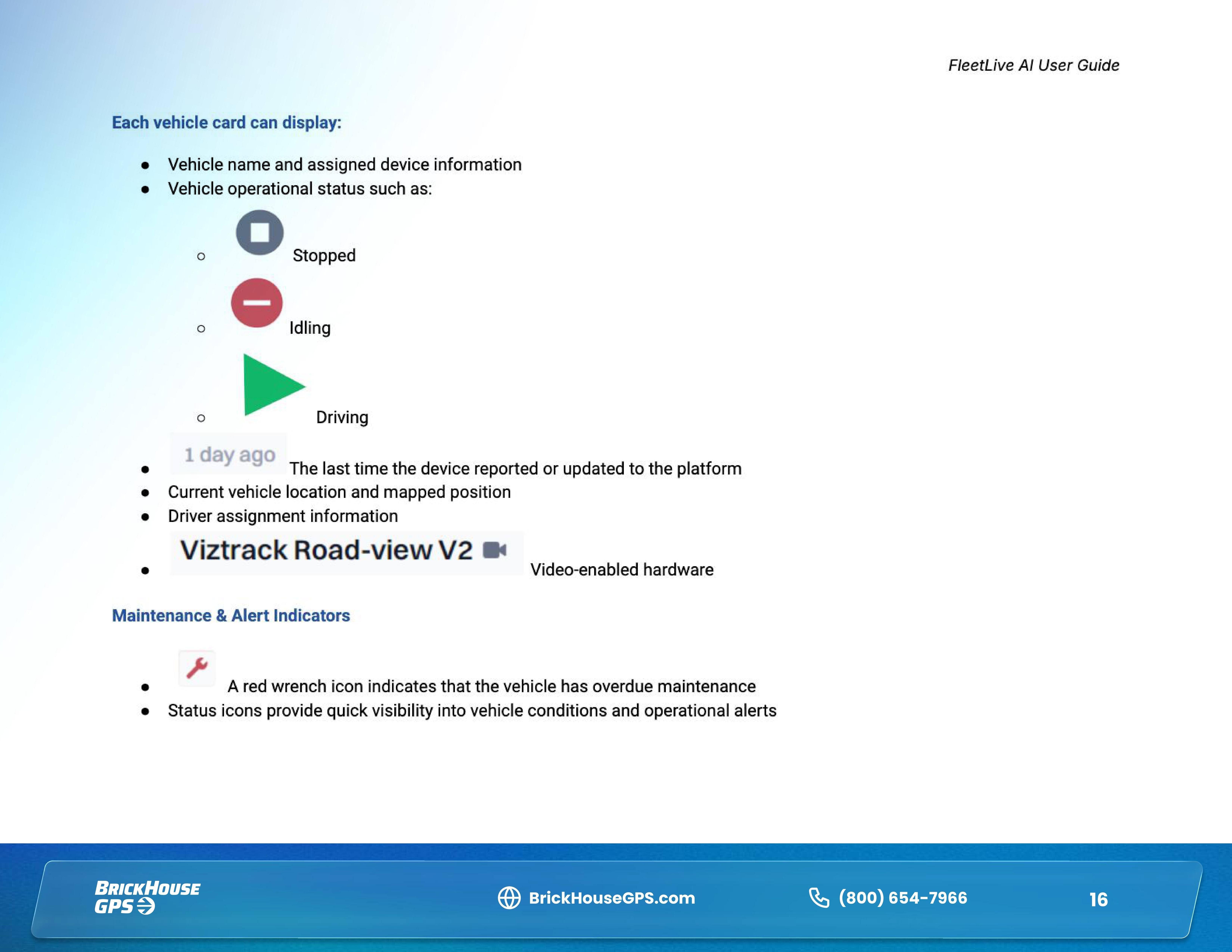
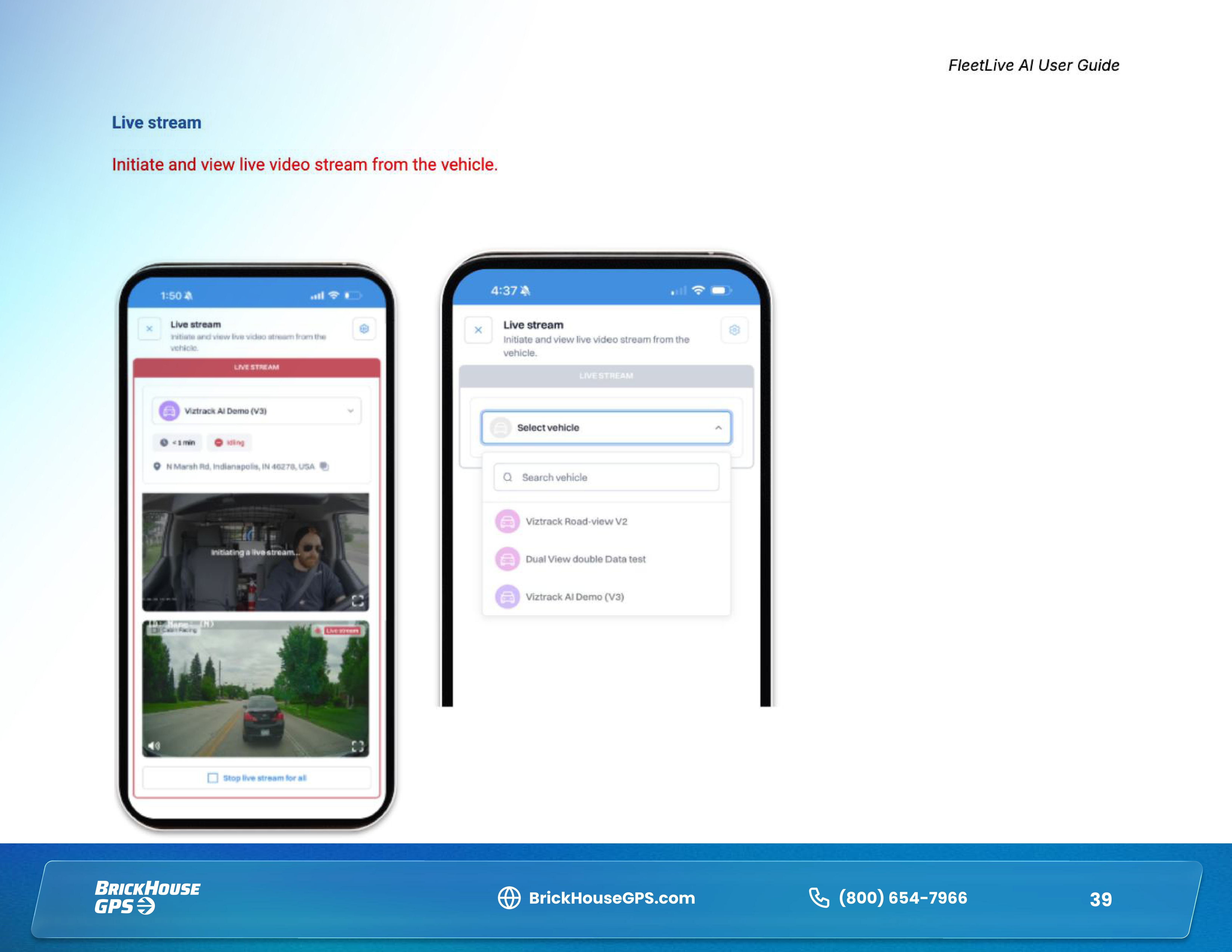
The FleetLive AI mobile app gives fleet managers convenient access to real-time fleet operations, video, and safety tools right from their mobile device. Use the app to monitor vehicle locations and status, view live video, review recorded footage, manage drivers, and stay on top of important safety events while you're on the go.
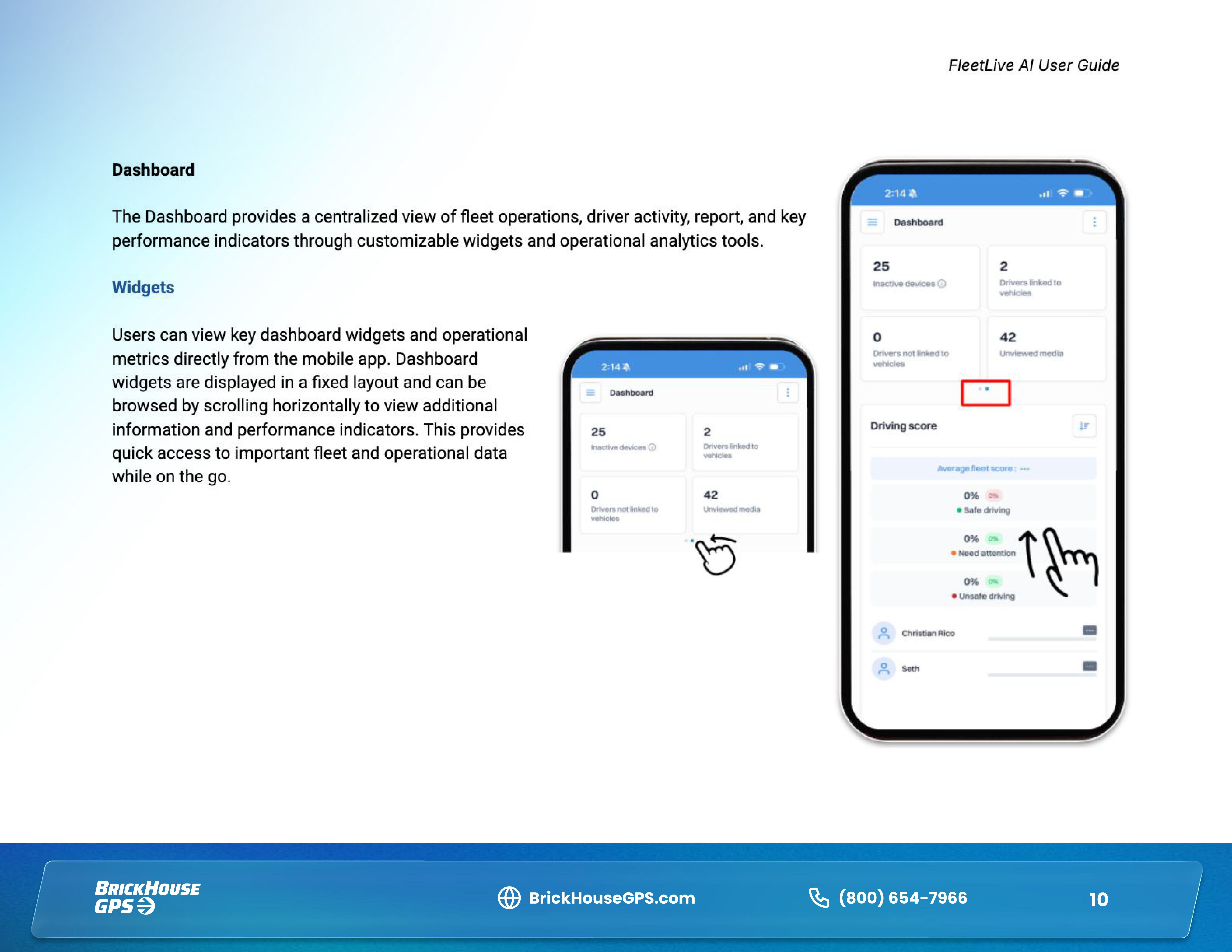
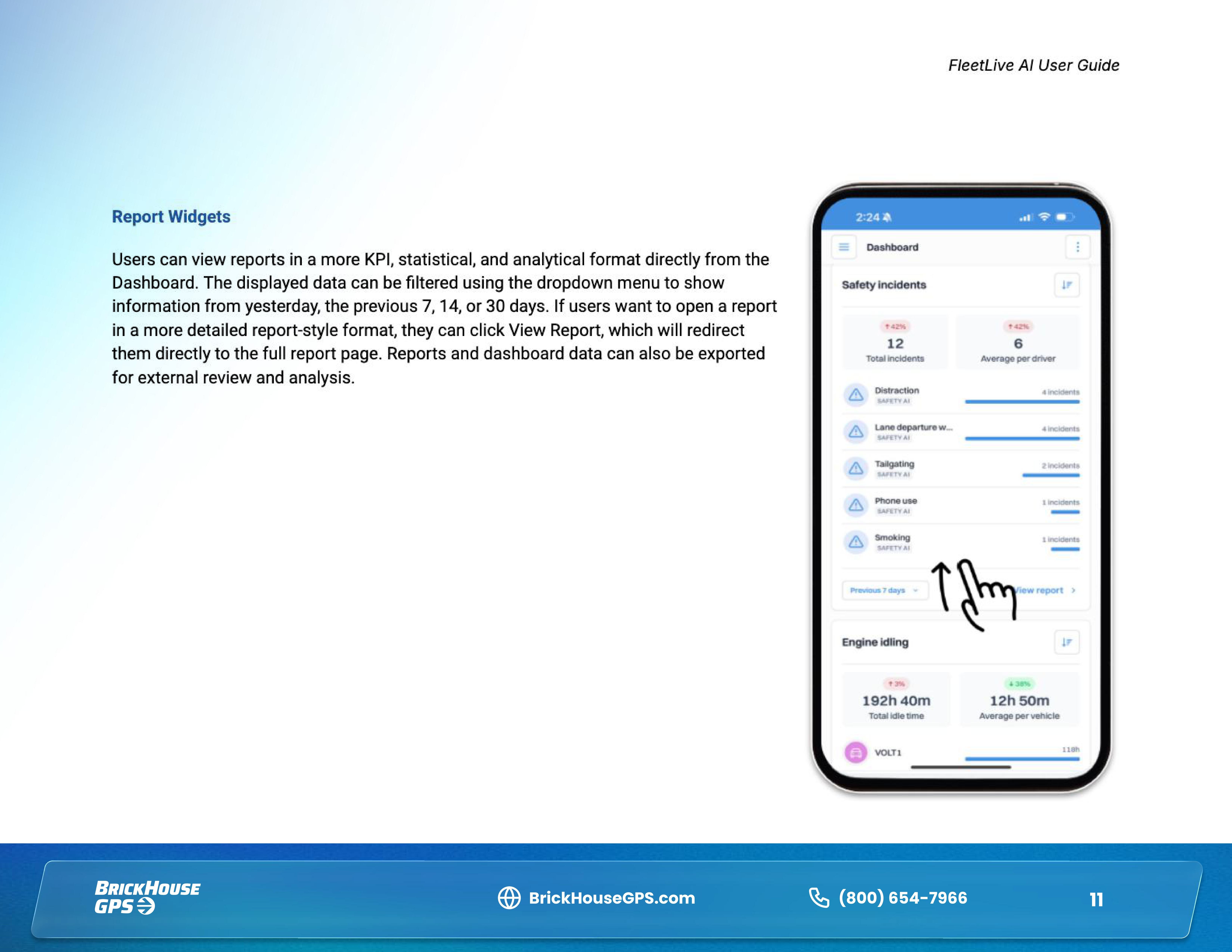
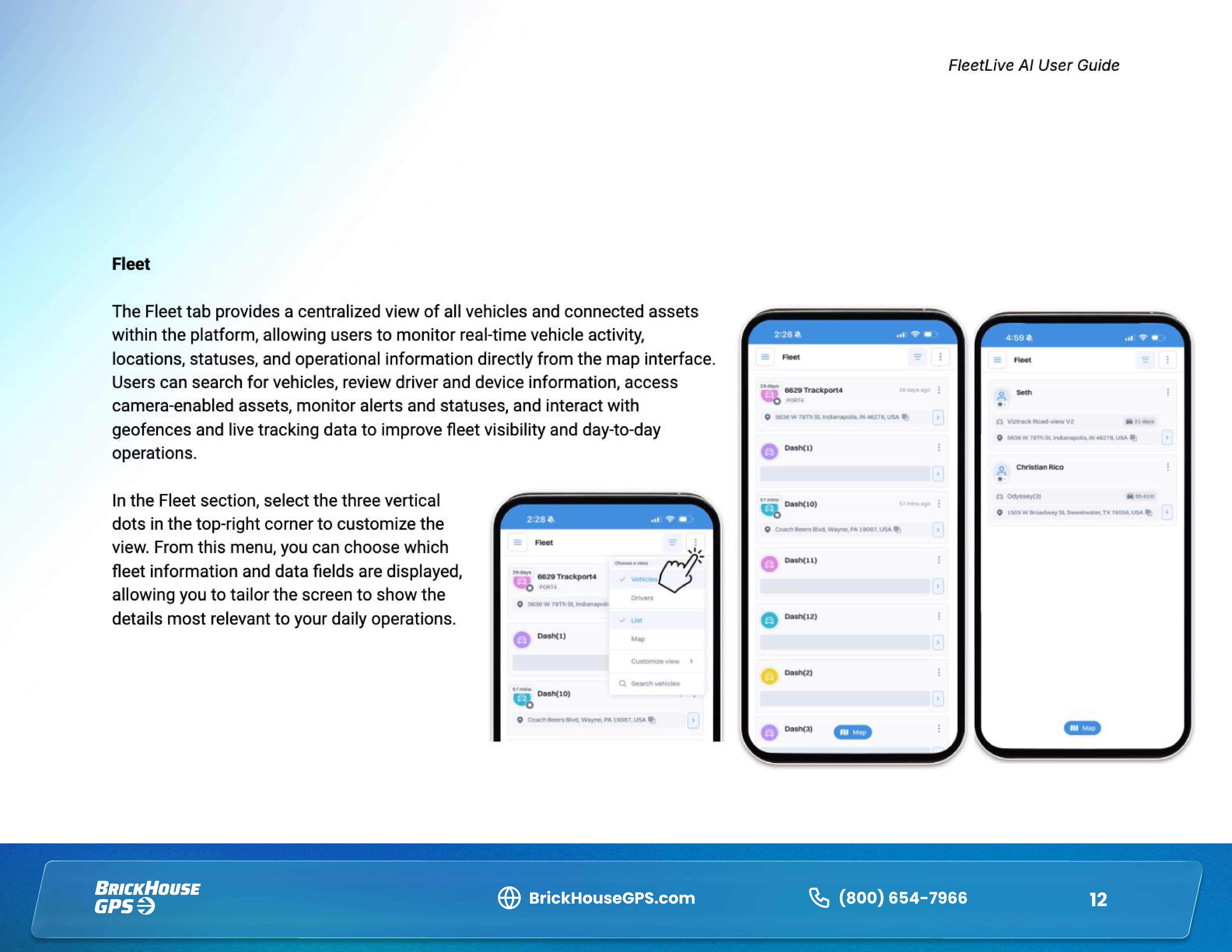
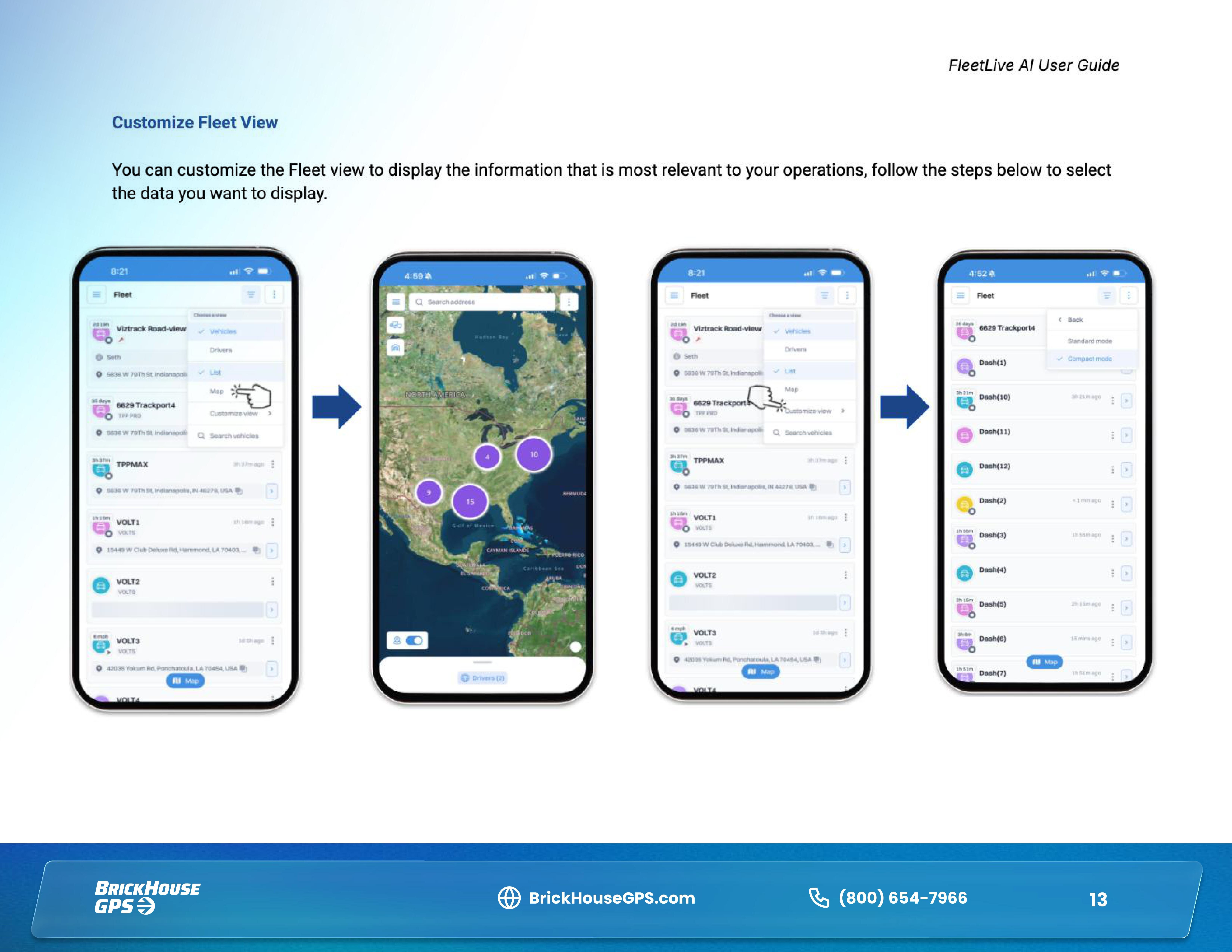
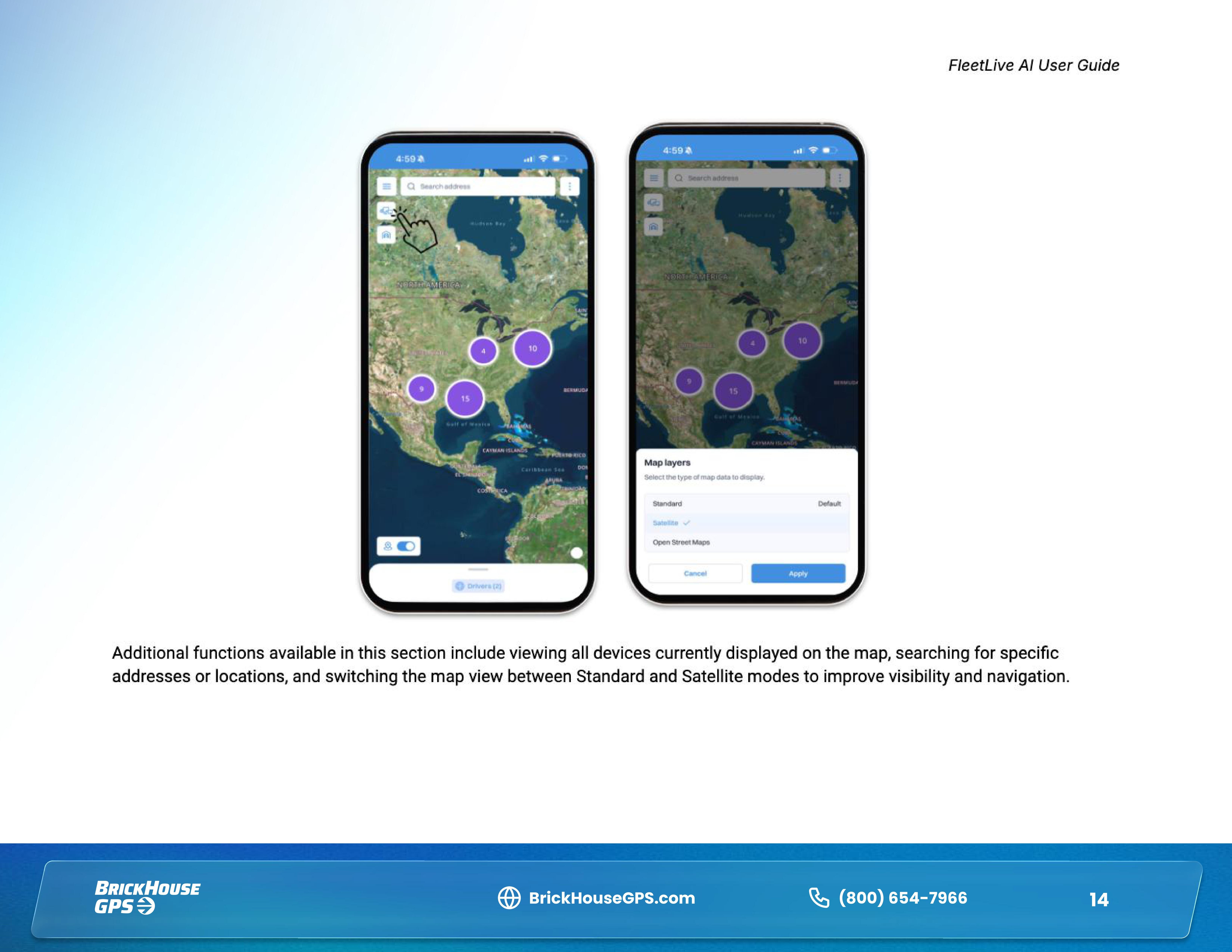
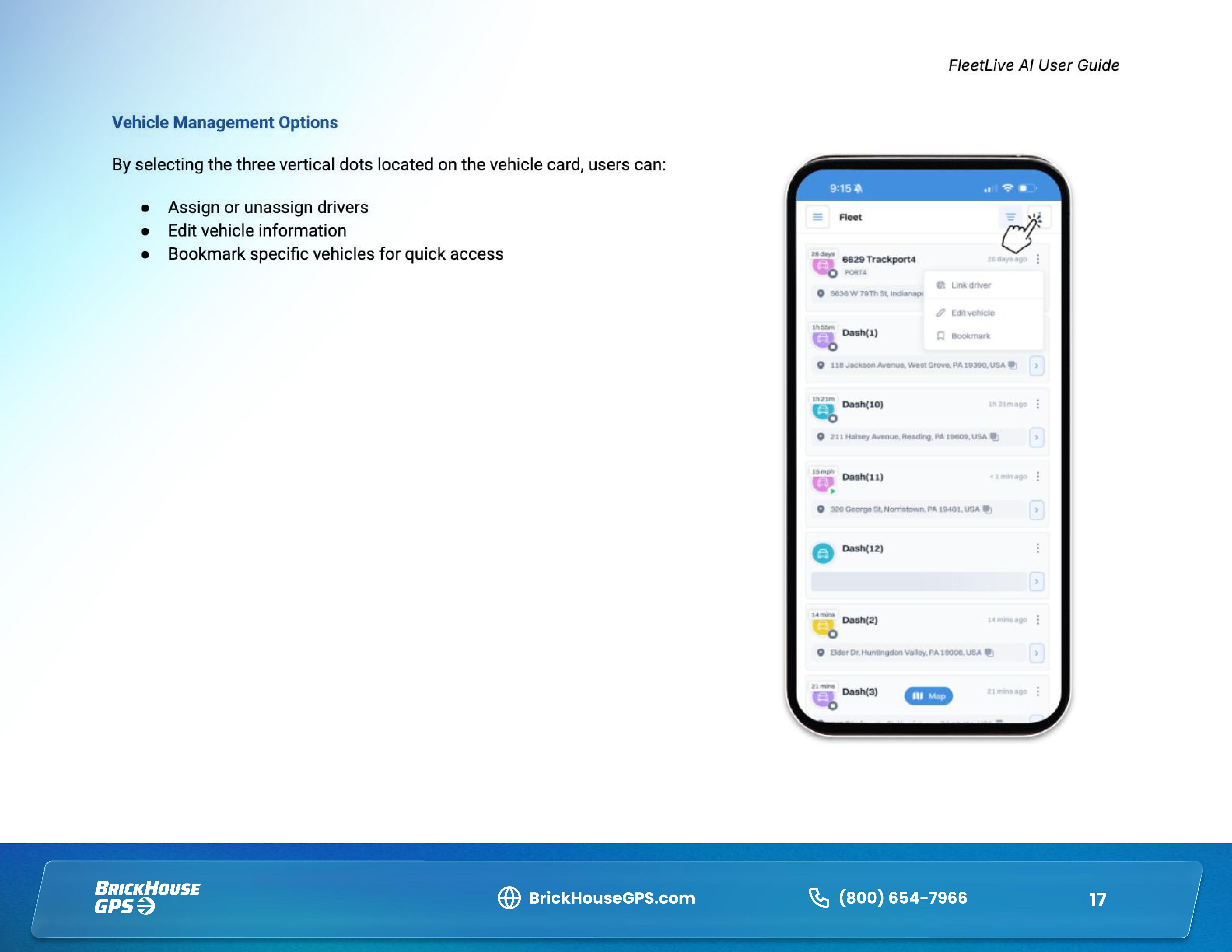
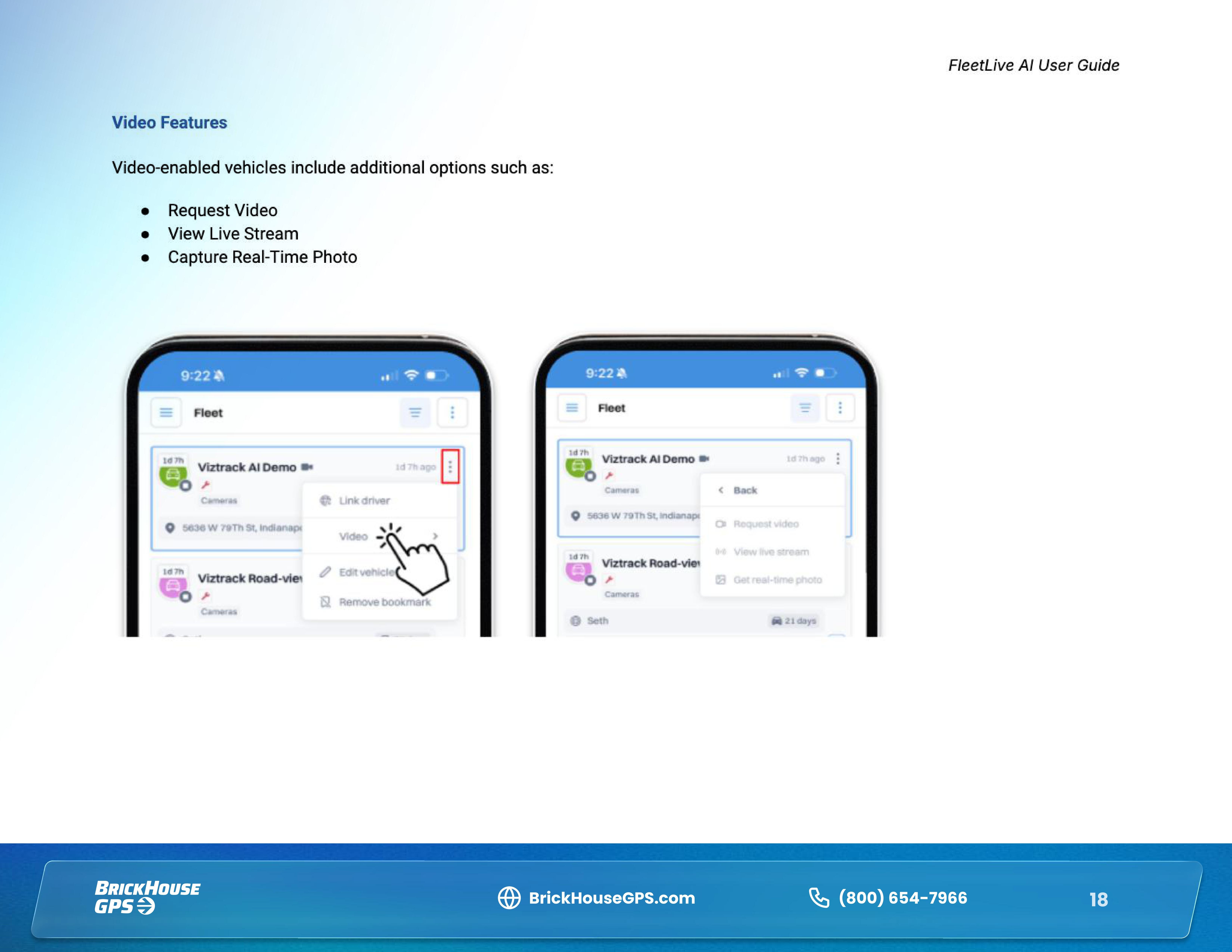
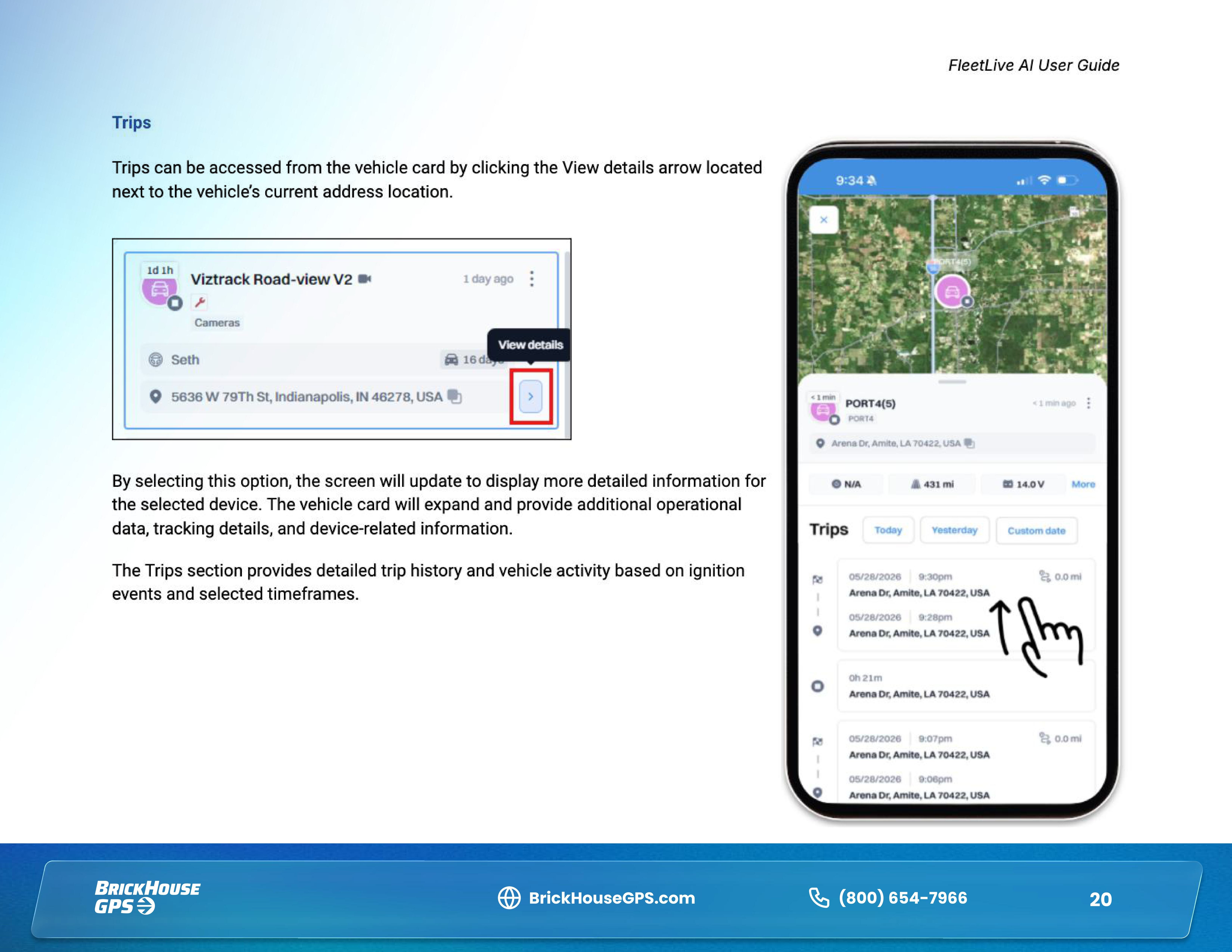
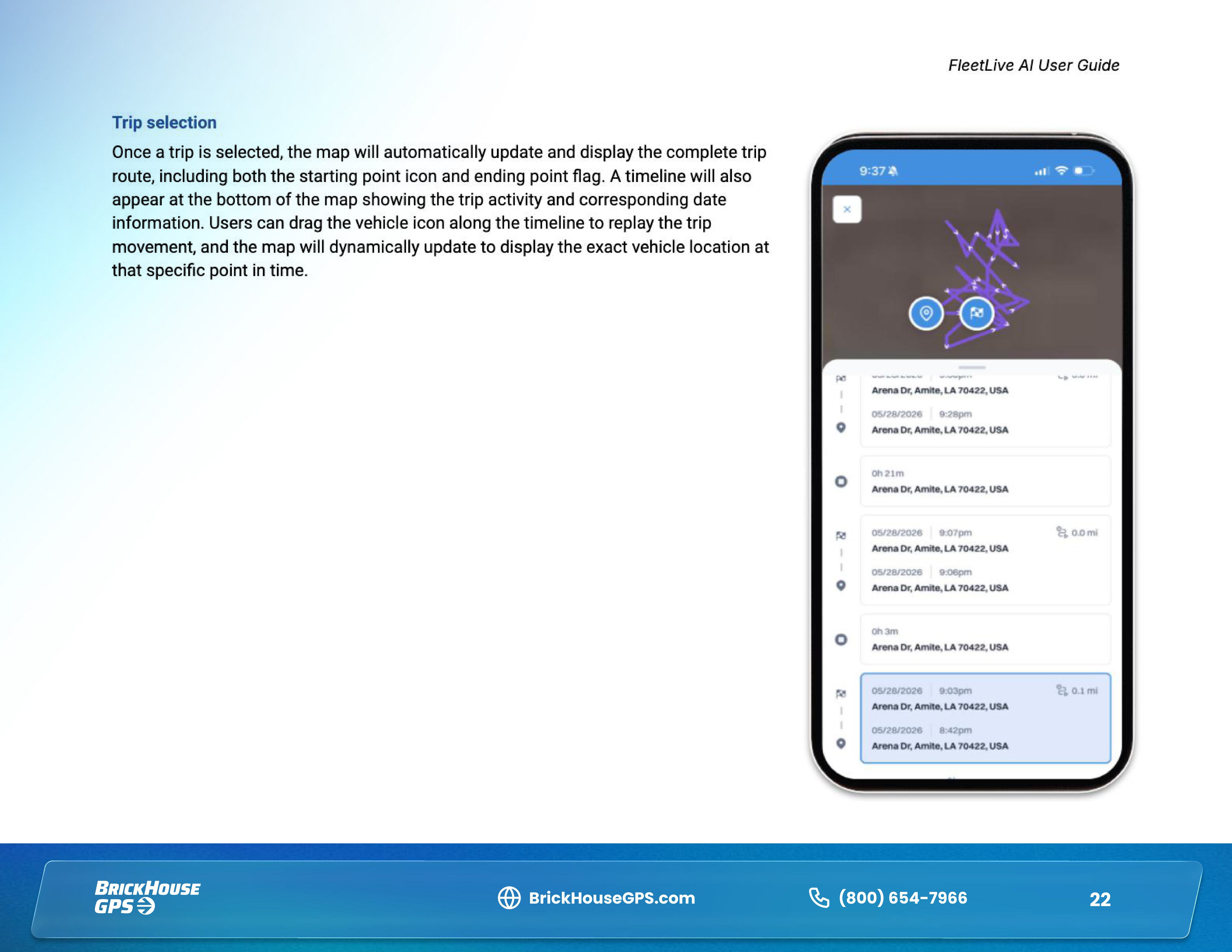
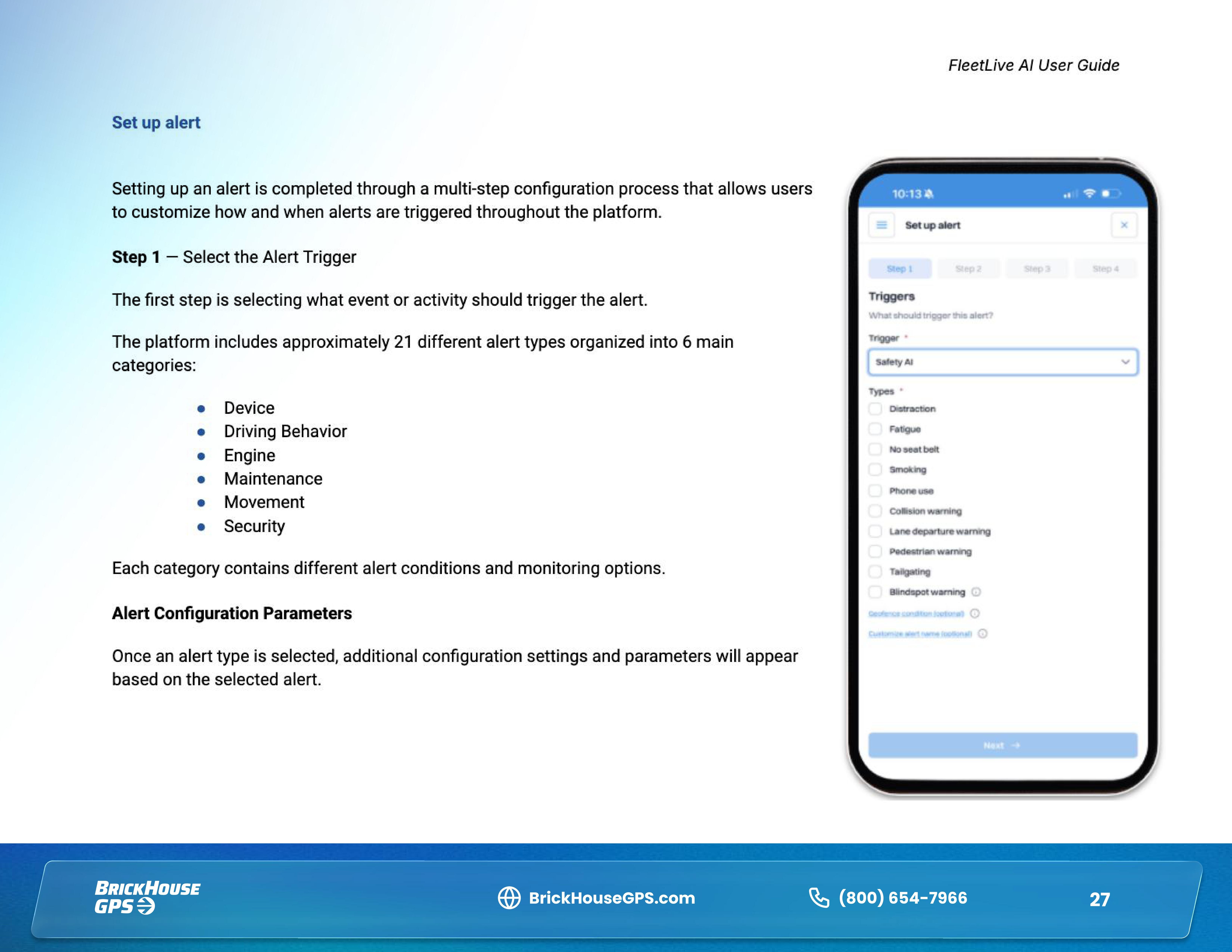
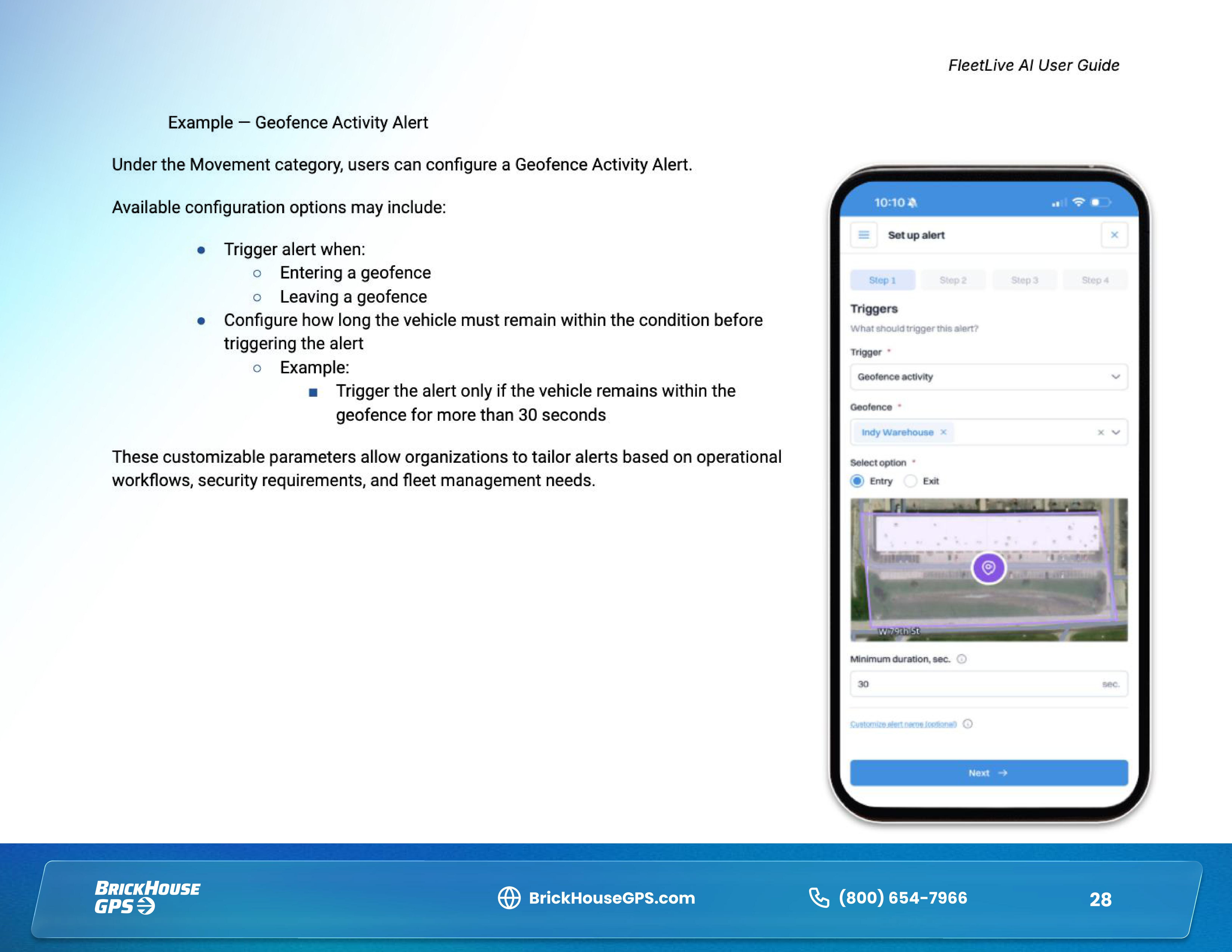
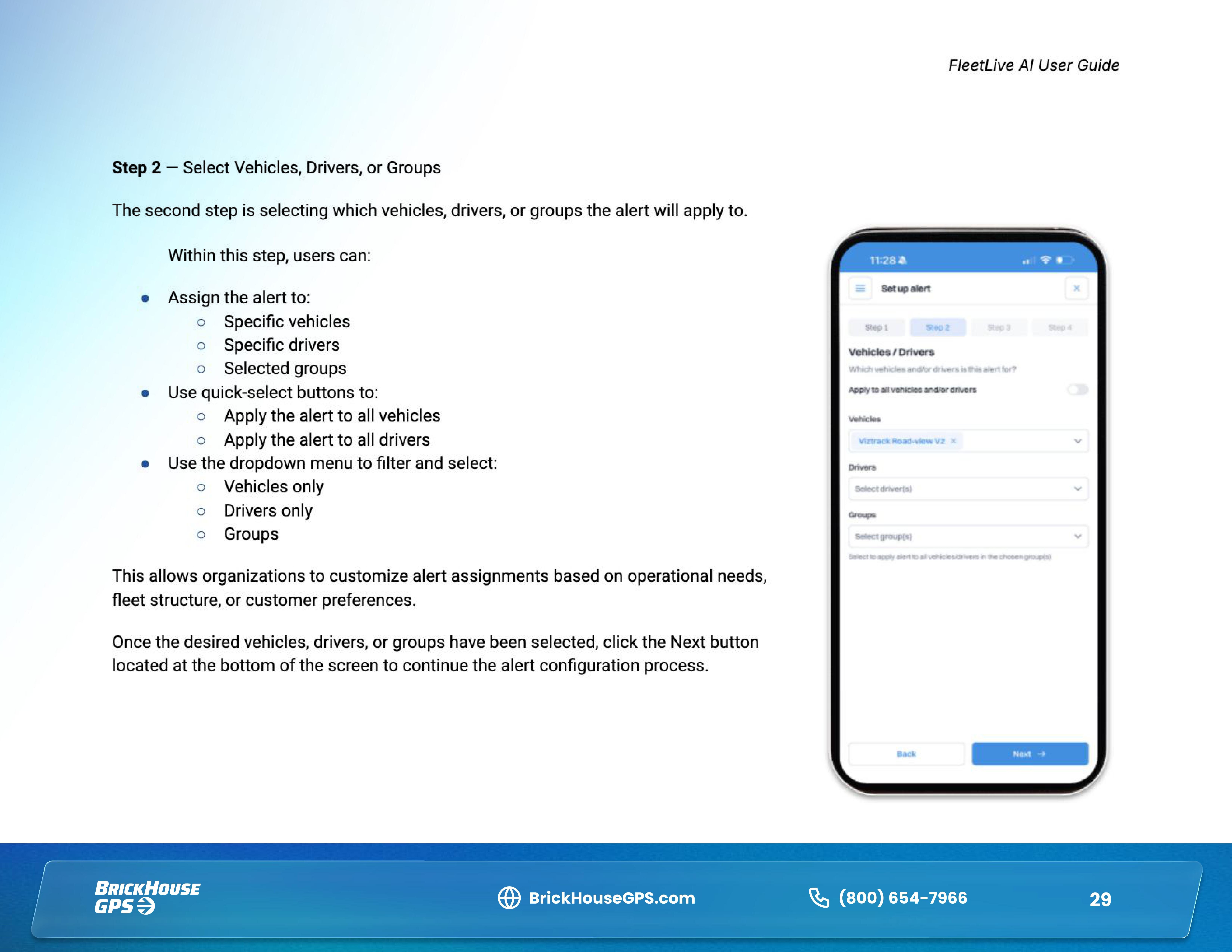
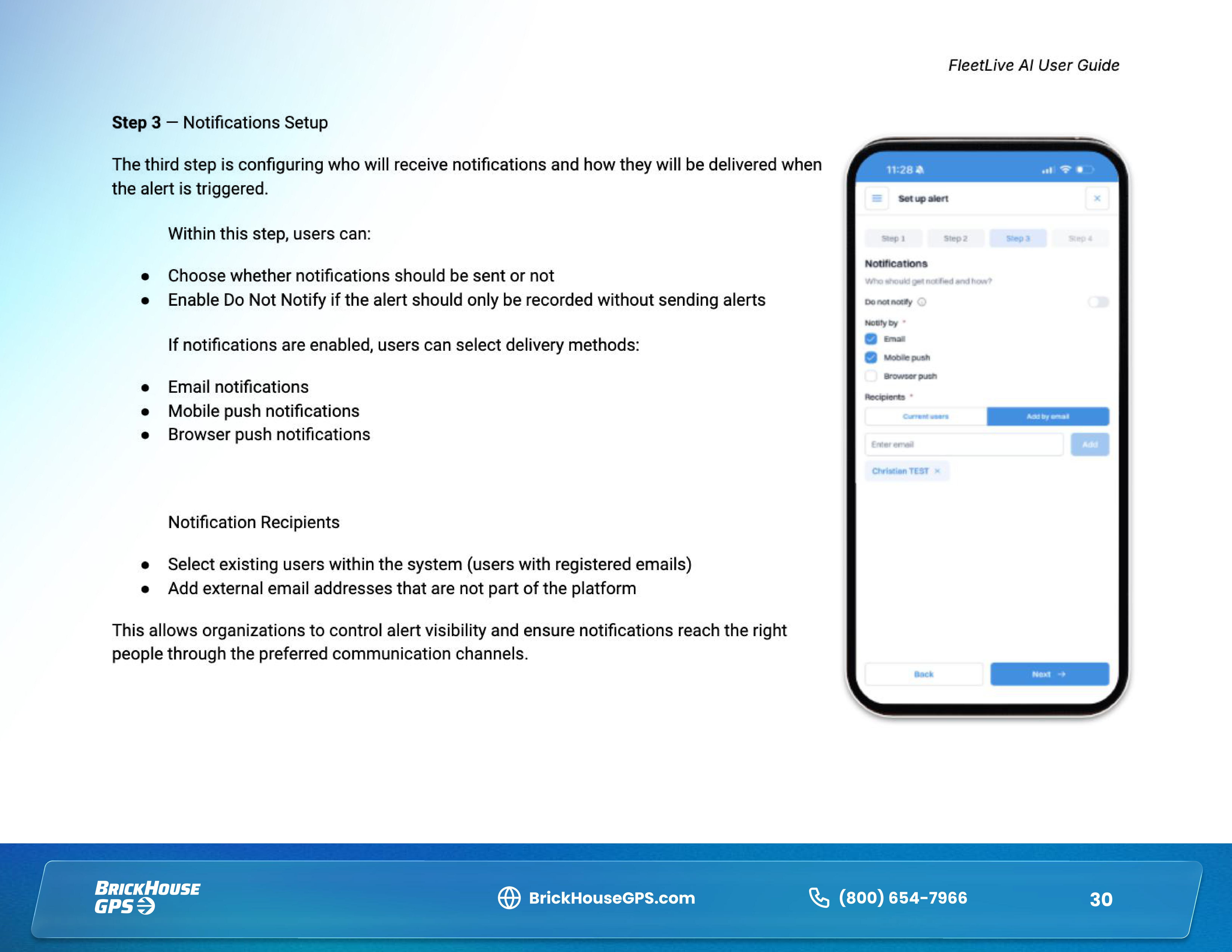
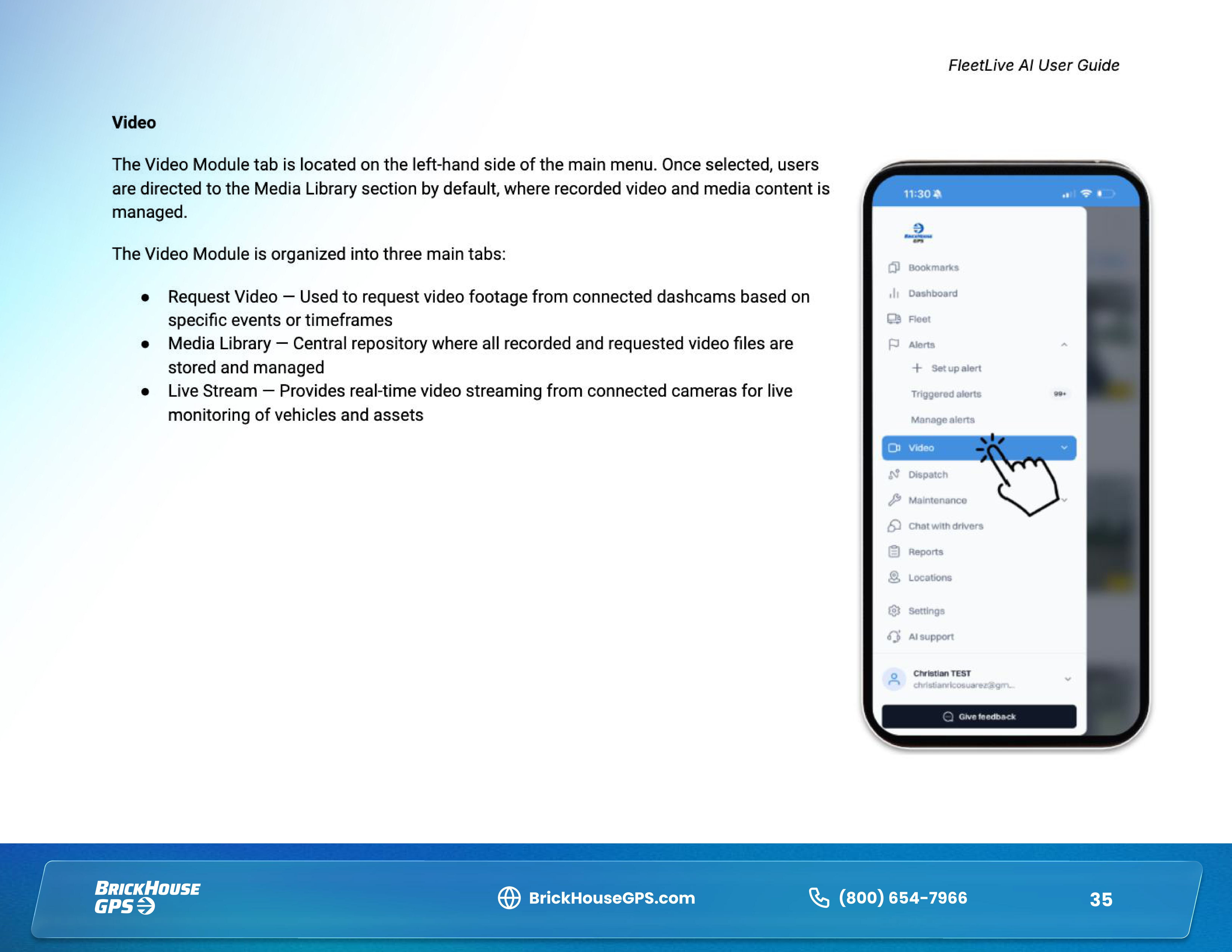
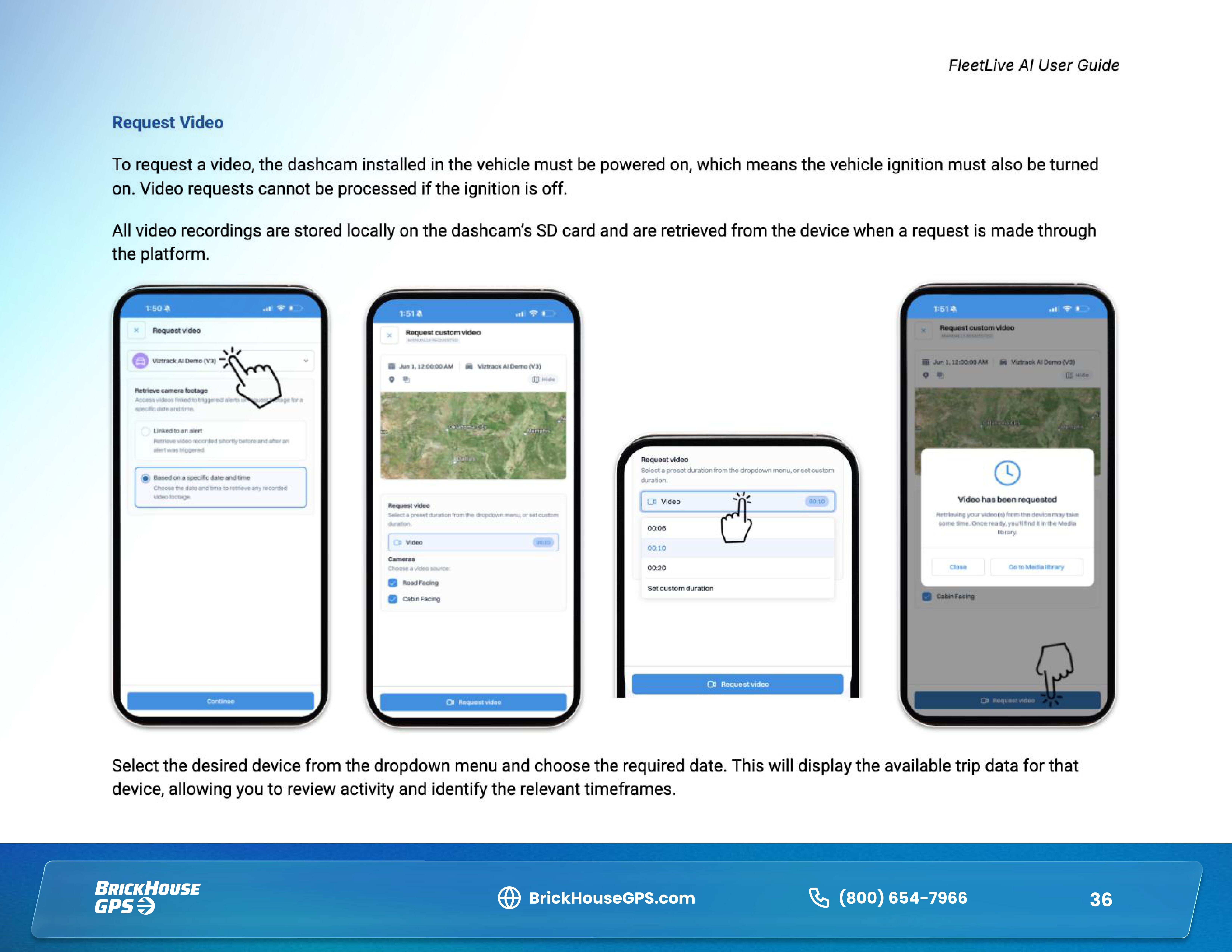
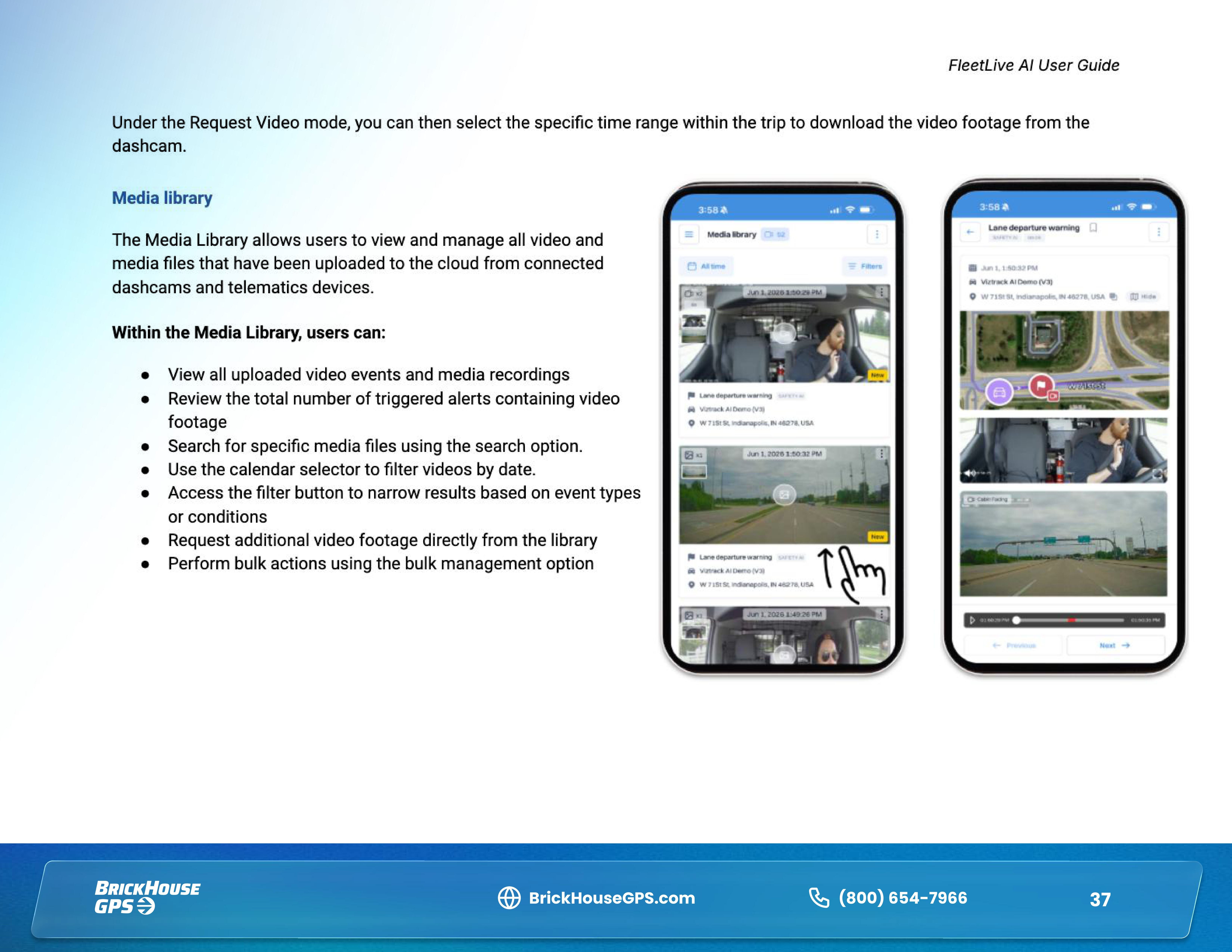
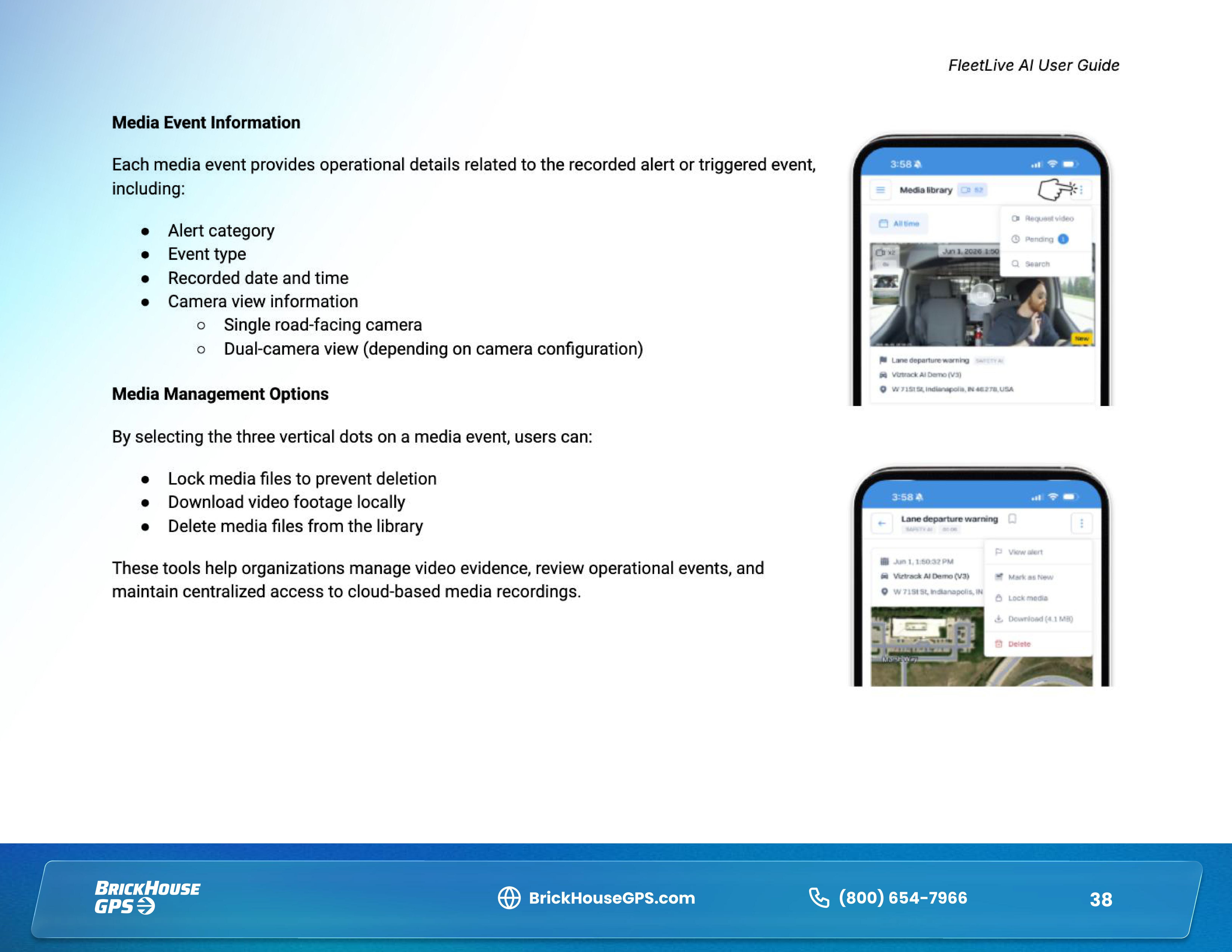
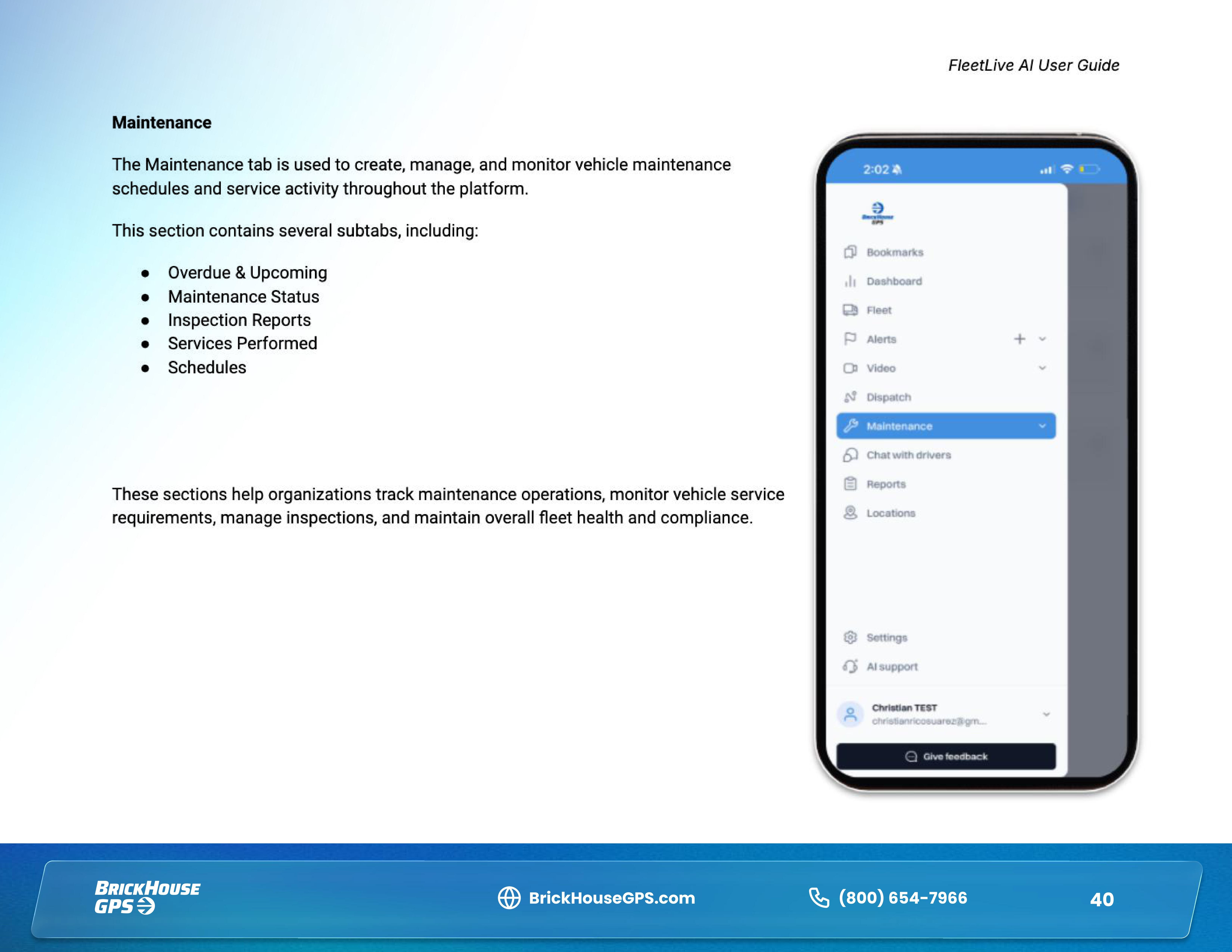
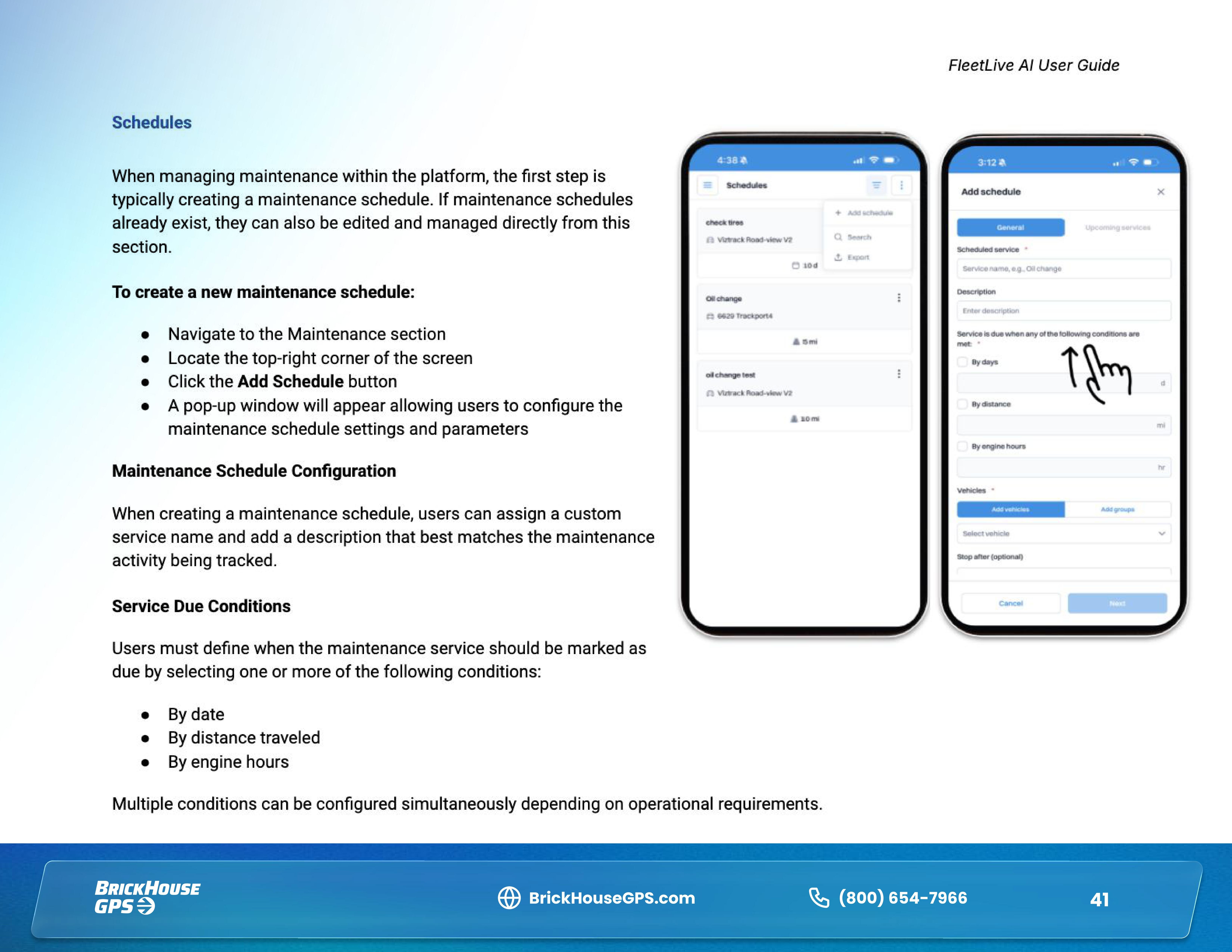
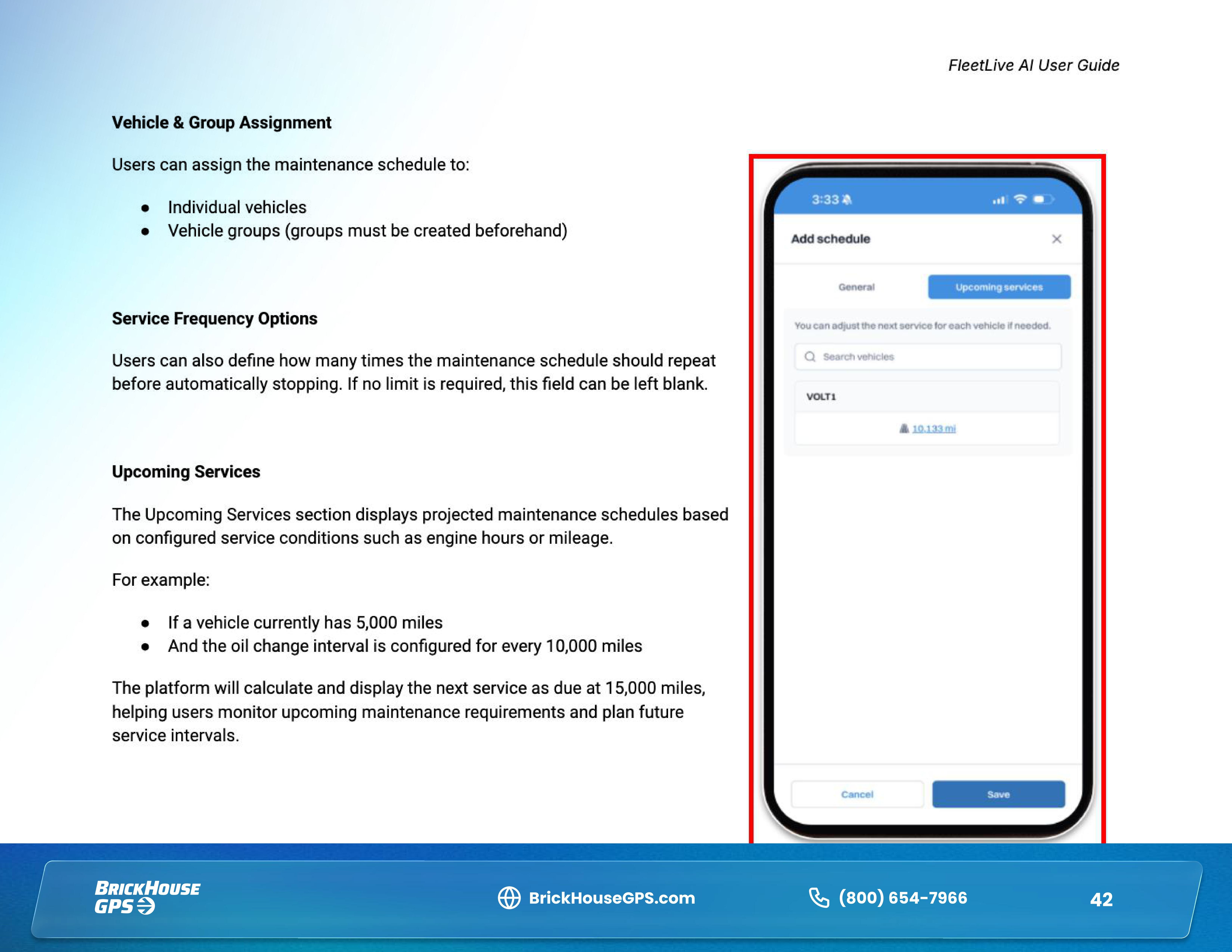
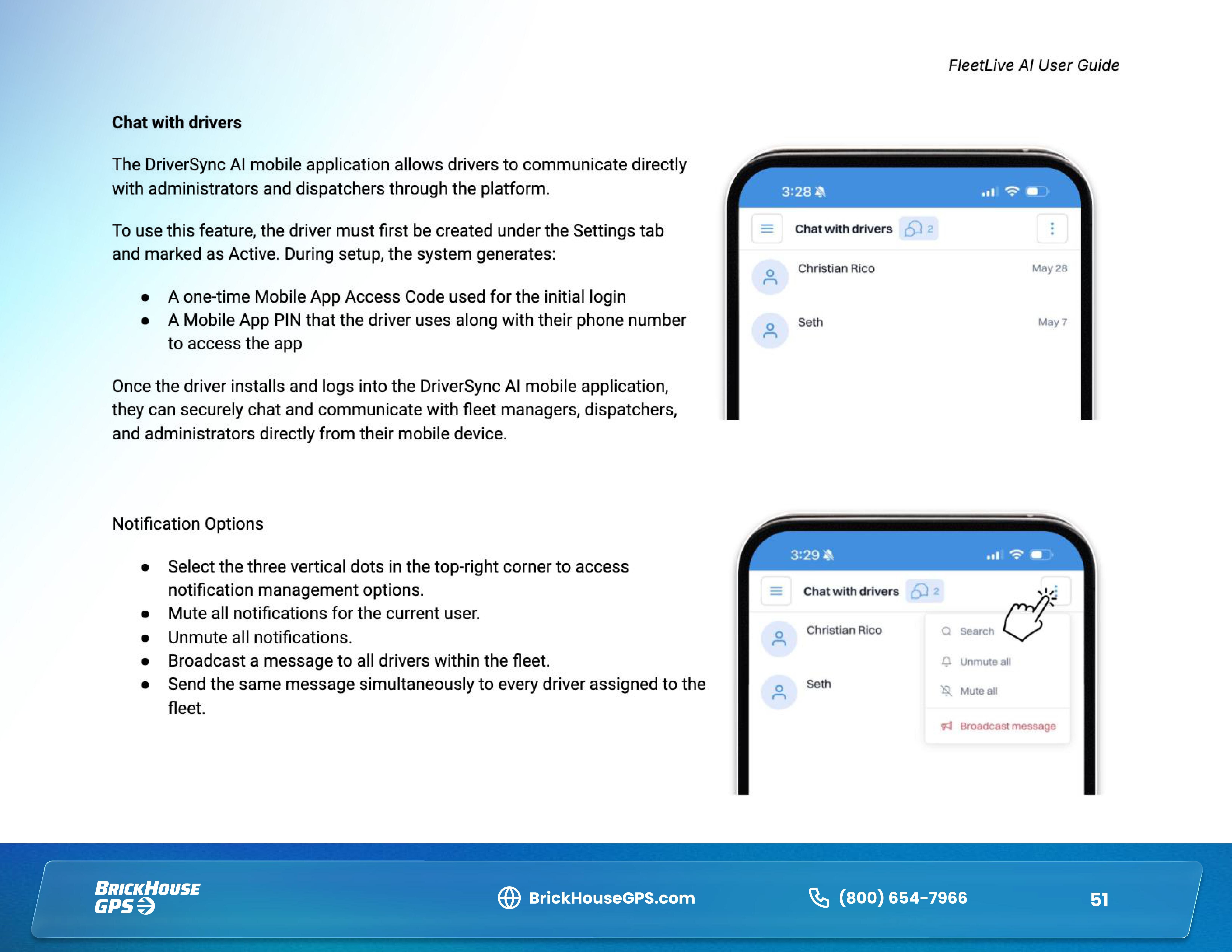
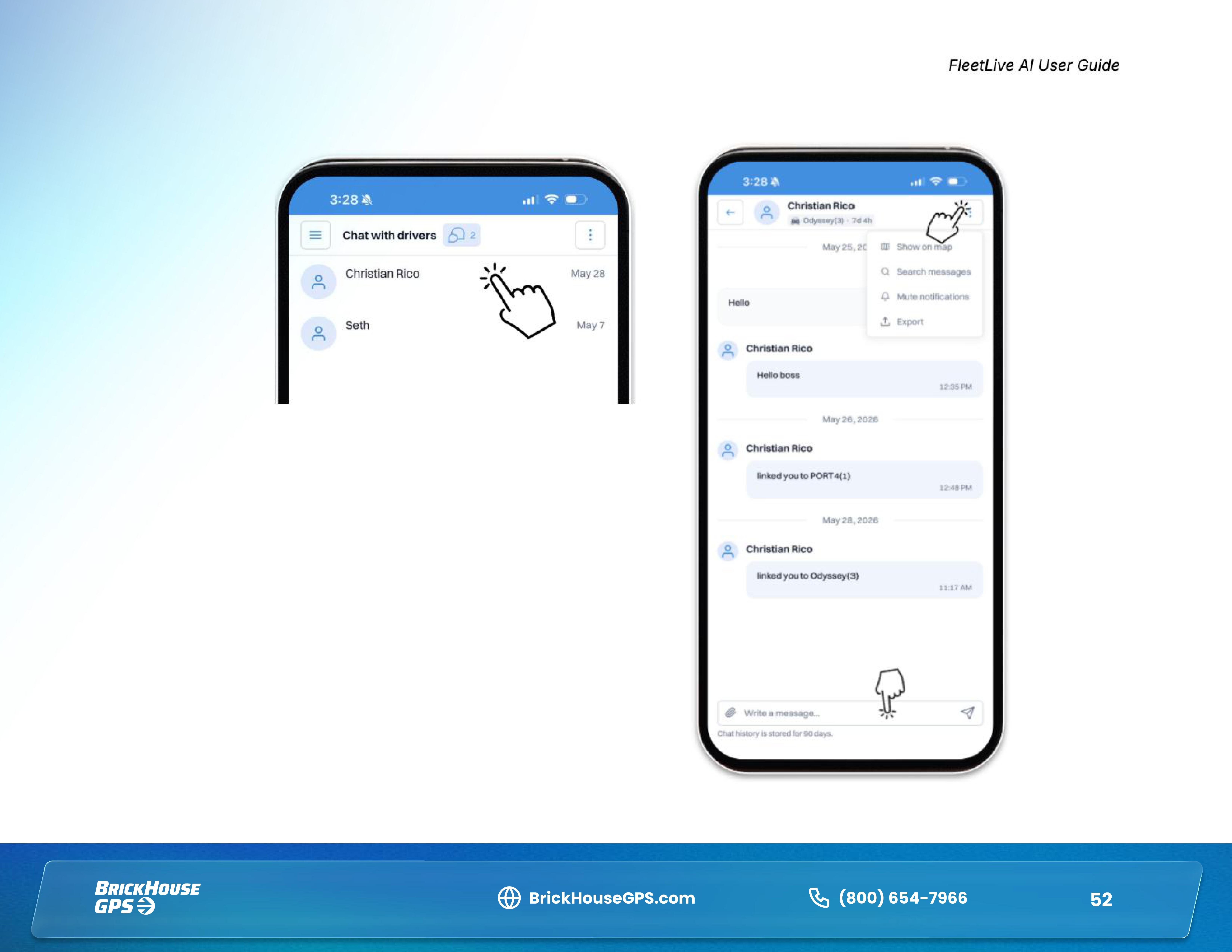
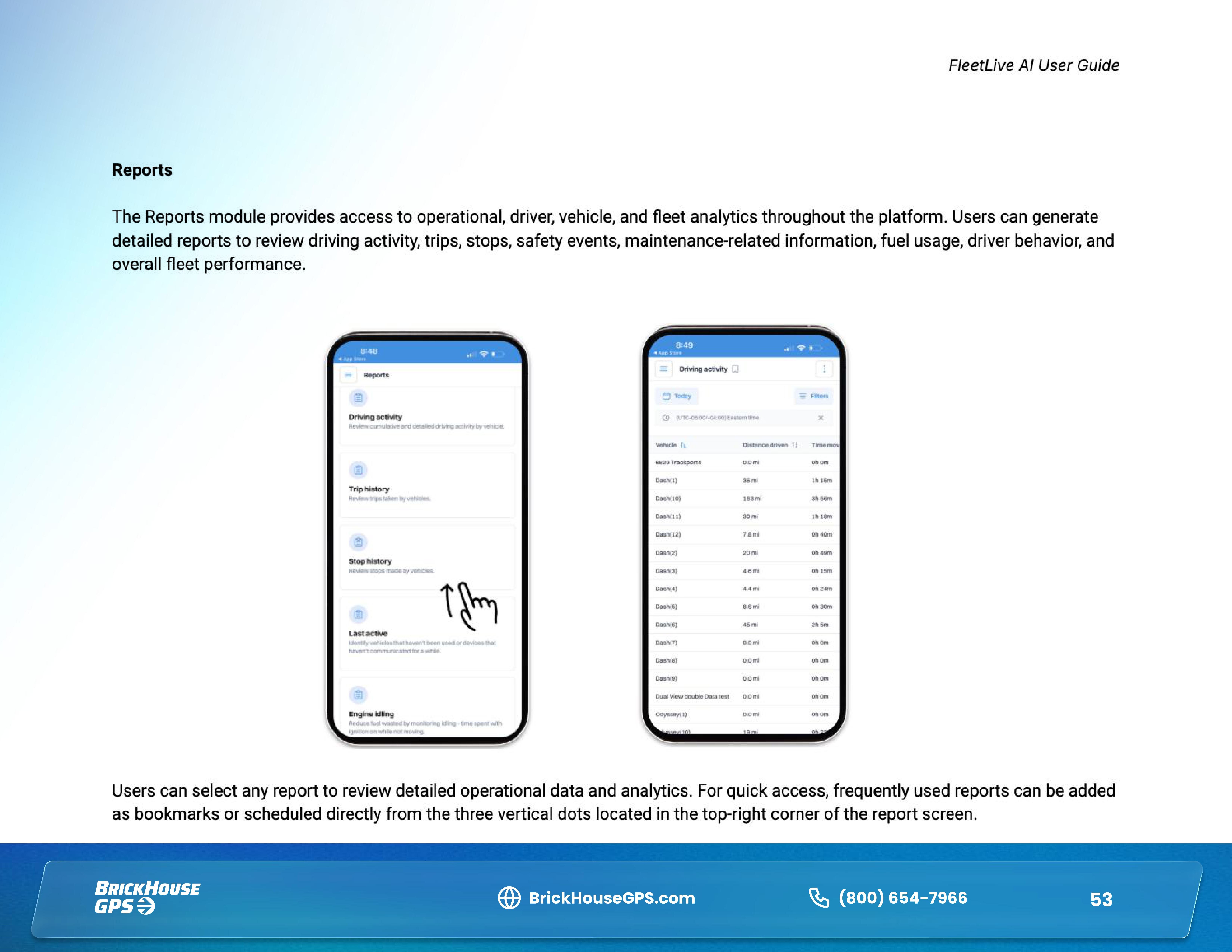
This guide walks you through the key features of the FleetLive AI app, including navigating the fleet dashboard, viewing vehicles on the map, accessing live and recorded video, reviewing AI-detected safety events, managing drivers, communicating with drivers, and using the Media Library to quickly find videos and photos by vehicle, event type, group, or date.
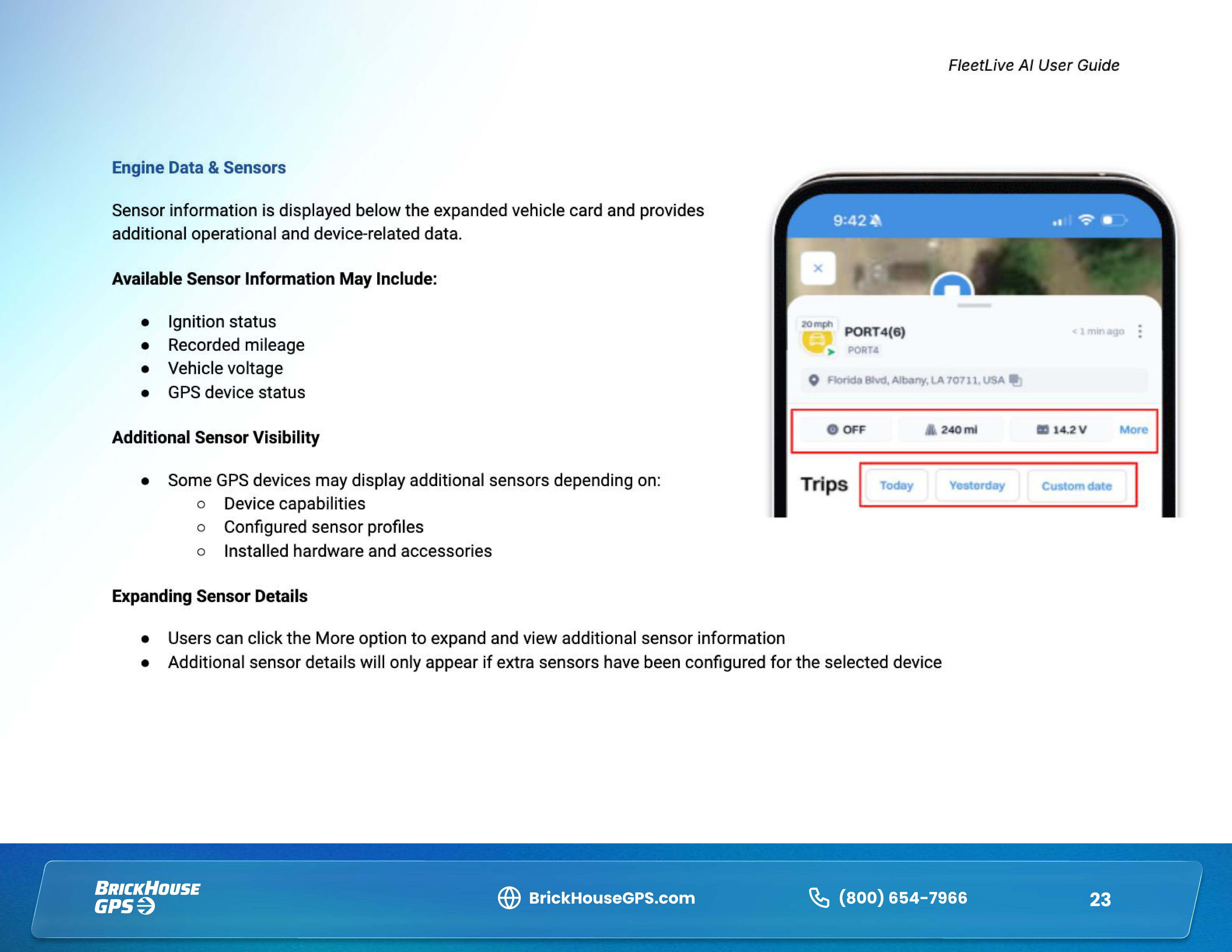
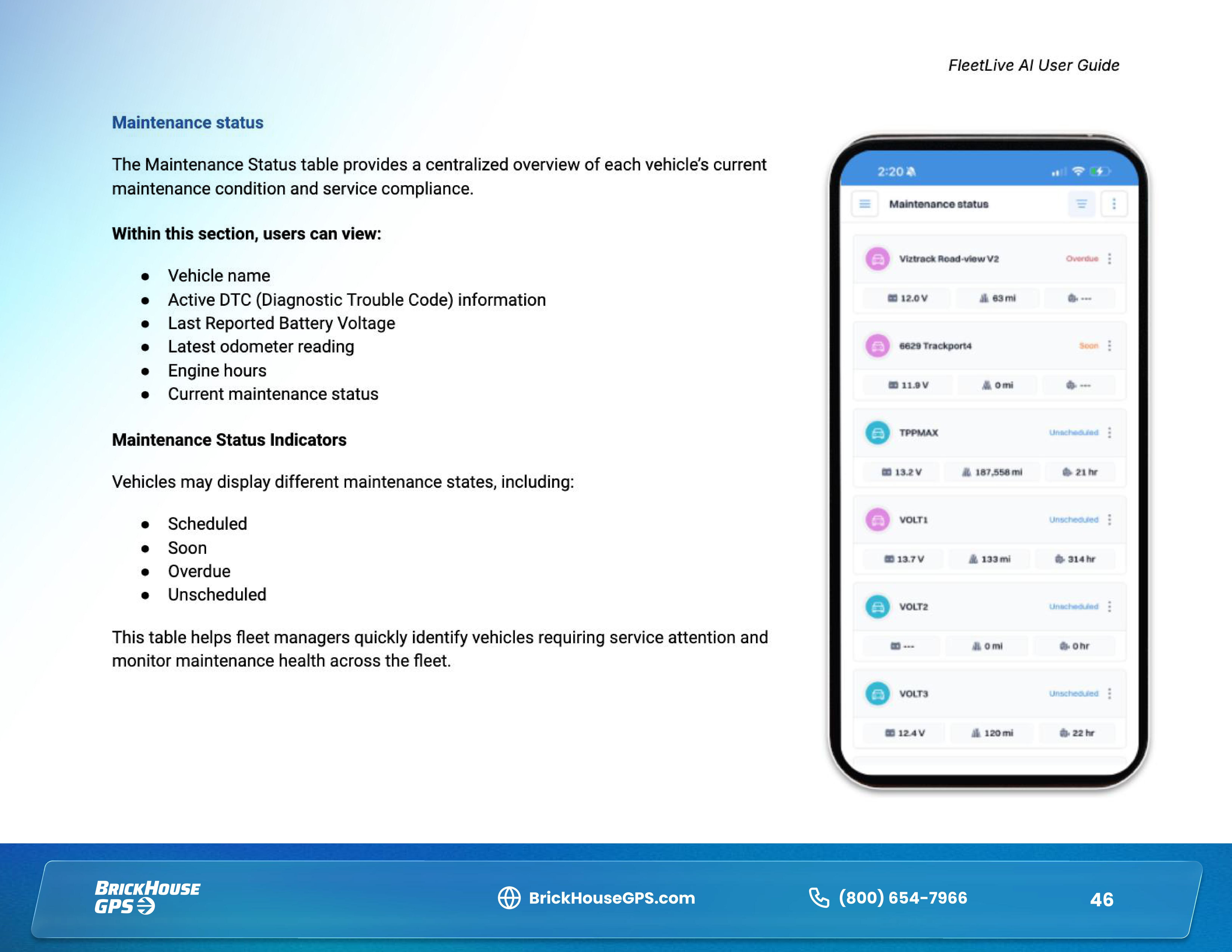
Depending on your vehicle and plan, the app may also provide access to important vehicle and engine information such as ignition status, odometer, fuel level, RPM, engine hours, DTC codes, vehicle battery, and engine temperature.
Download the FleetLive AI app


Download User Manual

Related Articles
Thank you for choosing BrickHouse Security for your GPS tracking solutions. We are committed to providing you with reliable service and support.
If you require further assistance or have any questions regarding our products or services, please don’t hesitate to contact us through any of the following methods:
-
Phone: 800-654-7966
-
Live Chat: Available at BrickHouseSecurity.com
Our support team is here to help ensure you get the most out of your GPS tracking experience.
Nov 4th 2024