




How to Activate Your BrickHouse Security GPS Tracker
So, your new GPS tracker just arrived, exciting stuff! Whether you're protecting a vehicle, keeping an eye on a loved one, or monitoring valuable equipment, you're probably eager to log in and see that first location blip on the map.
But before you dive into tracking, let's talk activation.
Activation connects your GPS device to our tracking platform and the cellular network, enabling it to securely send real-time location data straight to your dashboard.
A common question we hear is: "How do I activate my BrickHouse GPS tracker?"
The answer depends on where you bought your device. We want to make getting started as simple as possible, so here's a quick guide to help you choose the right path.
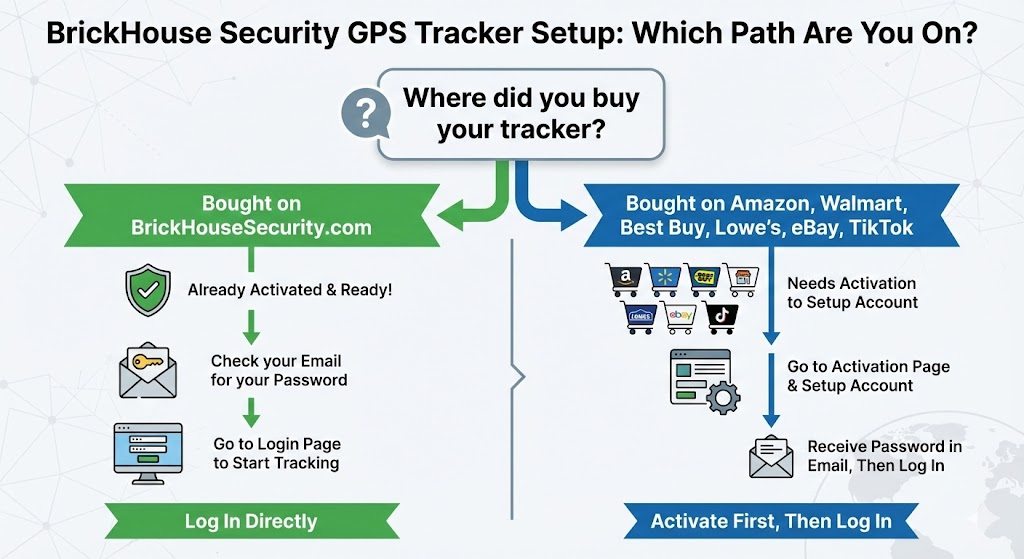
Path 1: I Bought My Tracker Directly from BrickHouseSecurity.com
We handled the setup for you before shipping it out. You do not need to fill out any activation forms on our website.
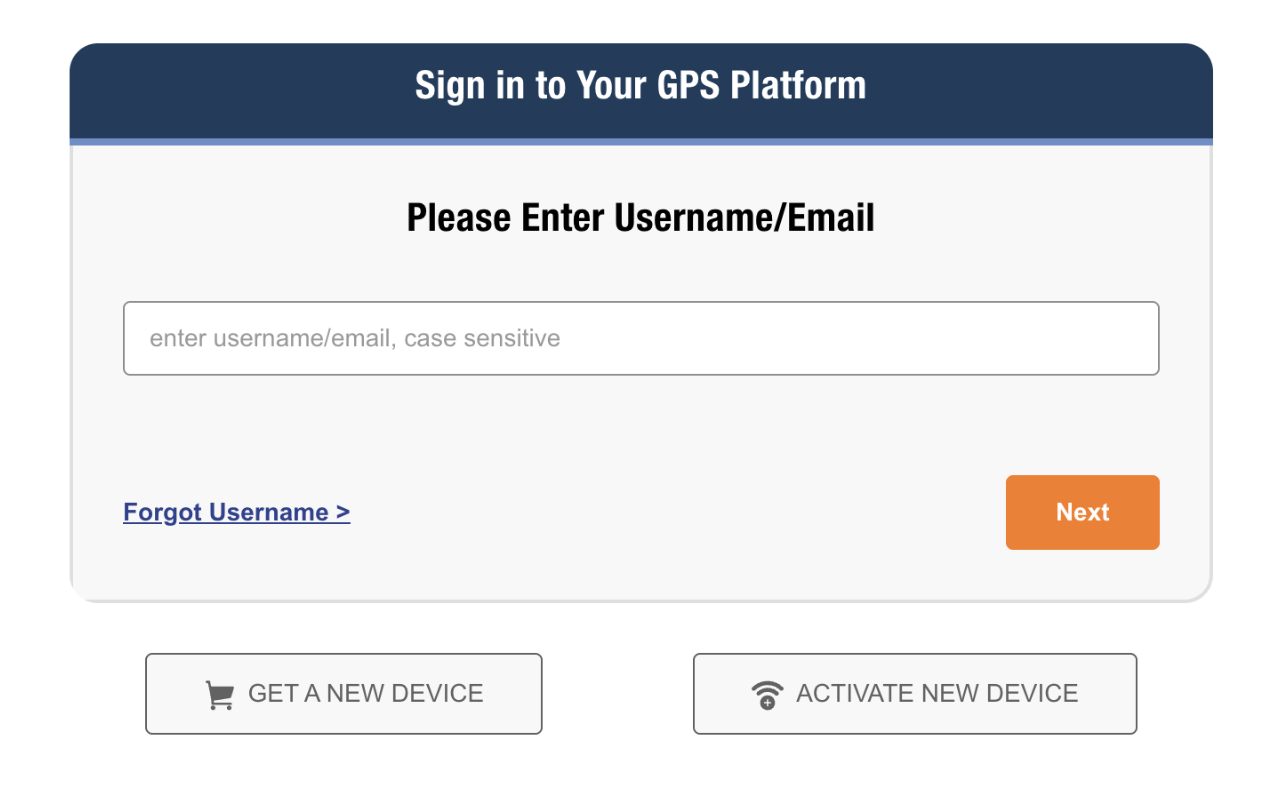
Your Next Step: Just check your email inbox. We sent you a welcome email containing your username and temporary password. Grab those credentials and head straight to the login page to start tracking!
Path 2: I Bought My Tracker on Amazon, eBay, Walmart, or Another Retailer
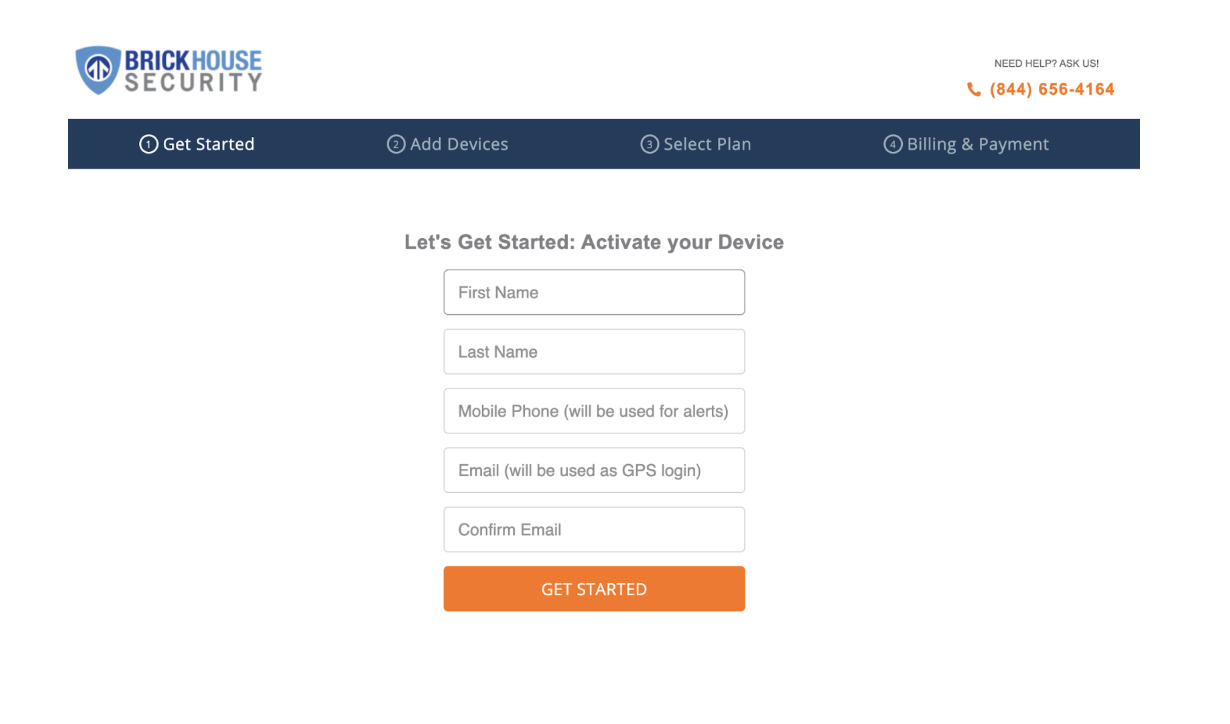
Because you bought through one of our retail partners, we need to get your account set up and connect your device's SIM card to the network. Don't worry, it only takes a minute to activate your BrickHouse GPS tracker.
Your Next Step: Head over to our dedicated activation page to create your account and get online.
Still Need Help? We've Got Your Back.
Whether you're setting up a tracker for a business, a child heading off to school, or a high-value shipment, we know how important it is that your GPS works right out of the box.
If you run into any snags during activation:
- Visit our Support Center: https://www.brickhousesecurity.com/support
- Or call us at 800-654-7966
FAQ: BrickHouse Security GPS Activation
Why isn't my BrickHouse GPS tracker showing a location after activation?
How do I know if my BrickHouse GPS tracker is activated successfully?
Do I need to install a SIM card before activating my GPS tracker?
Is there a way to test my GPS tracker after setup?
Do I need to activate every GPS tracker separately if I ordered multiple devices?
Ready to get started? Activate your tracker or log in to your dashboard.
Posted by Todd Morris on Jan 23rd 2026